Best Time Blocking Apps for ADHD Professionals in 2026
Why Time Blocking Is a Game Changer for ADHD Professionals If you have ADHD, your relationship with time is complicated. You sit…
Why Time Blocking Is a Game Changer for ADHD Professionals
If you have ADHD, your relationship with time is complicated.
You sit down to work and suddenly two hours have disappeared, but not on the thing you were supposed to be doing. Or you stare at a massive to-do list feeling completely frozen, not knowing where to start or how long anything will take.
I really hate this feeling when I know I have to do something, but I just can’t get myself to do it.
This isn’t a willpower problem. It’s a time blindness problem, and it’s one of the most common and frustrating symptoms of ADHD.
Time blindness means your brain struggles to perceive time as a real, concrete thing. The future feels abstract. Deadlines feel distant until they’re suddenly right on top of you. And without a clear structure telling you exactly what to do and when, your brain defaults to whatever feels most stimulating in the moment — which is rarely the most important thing on your list.
This is exactly why time blocking works so well for ADHD brains, and why it has worked so well for me.
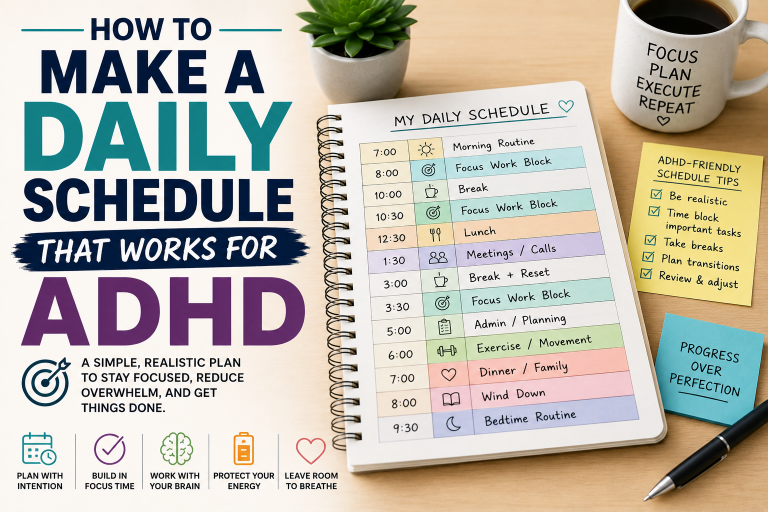
Time blocking is the practice of scheduling specific tasks into dedicated time slots throughout your day. Instead of a vague to-do list sitting there judging you, you have a clear visual map of your day — this task from 9am to 10am, that task from 10am to 11am, and so on. Your brain doesn’t have to decide what to do next because the schedule already made that decision for you.
And when you combine time blocking with the right app — one built with reminders, visual timers, and distraction controls — it becomes one of the most powerful productivity tools available for ADHD professionals.
In this guide we’ve rounded up the best time blocking apps for ADHD professionals so you can find the one that fits your brain, your workflow, and your life.
What to Look for in a Time Blocking App for ADHD
Not all time blocking apps are created equal — and many of them are designed for neurotypical brains that don’t struggle with the same challenges ADHD professionals face daily. Here’s what to look for:
✅ Visual Time Display
ADHD brains are visual. The best apps show your day as a visual timeline or calendar so you can literally see your time laid out in front of you — not just a list of tasks.
✅ Built-In Reminders and Alerts
Without reminders, even the best schedule gets forgotten. Look for apps that send push notifications, alerts, or countdowns to keep you on track throughout the day.
✅ Simple and Fast to Set Up
If an app takes 30 minutes to configure before you can use it, most ADHD brains will give up before getting started. The best apps are intuitive and quick to set up.
✅ Flexibility to Reschedule Easily
ADHD days rarely go according to plan. The best time blocking apps make it easy to drag, drop, and reschedule tasks without it feeling like a punishment.
✅ Distraction Blocking Features
Some apps go beyond scheduling and also block distracting websites or apps during your focus blocks — a huge bonus for ADHD professionals working from home or in digital environments.
✅ Integration with Existing Calendars
The best apps sync with Google Calendar, Outlook, or Apple Calendar so your time blocks live alongside your existing appointments and meetings without requiring you to maintain two separate systems.
The 7 Best Time Blocking Apps for ADHD Professionals
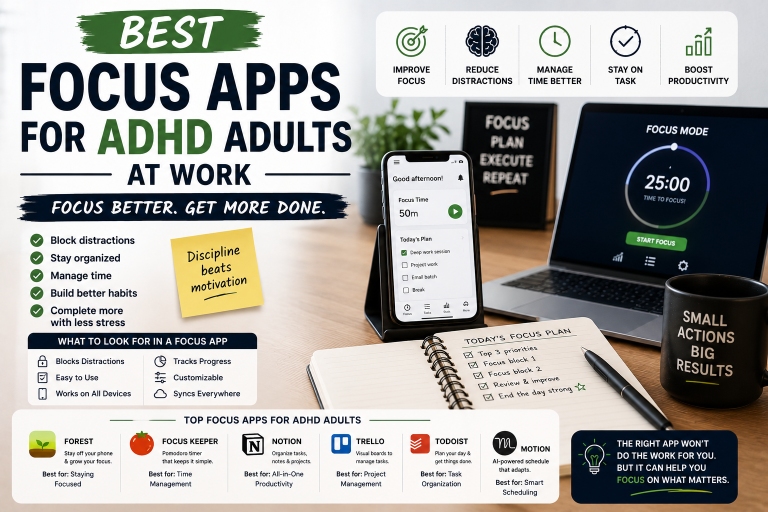
1. Sunsama — Best Overall Time Blocking App for ADHD
Best for: ADHD professionals who want a calm, focused daily planning ritual
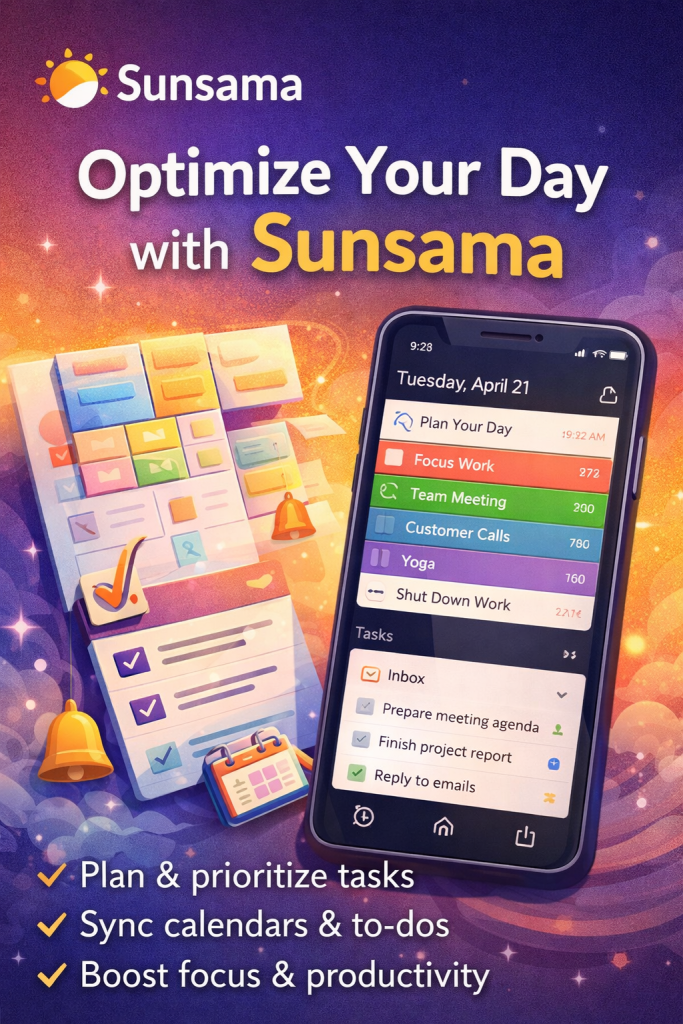
Sunsama is widely regarded as one of the best productivity apps for ADHD adults — and once you try it, it’s easy to see why. It combines daily planning, time blocking, and task management into one beautifully designed interface that feels calming rather than overwhelming.
Every morning, Sunsama guides you through a structured planning ritual where you pull tasks from your connected tools — like Trello, Asana, Gmail, or Slack — and schedule them into time blocks for the day. It shows you exactly how many hours of work you’ve planned and gently tells you when you’ve overloaded your day — something ADHD brains desperately need.
The daily shutdown ritual at the end of the day is equally powerful, helping you reflect on what you accomplished and carry unfinished tasks to tomorrow without losing track of anything.
What Makes It Great for ADHD:
- Guided morning planning ritual adds structure to your day
- Visual daily timeline shows exactly how your time is allocated
- Pulls tasks from all your existing tools into one place
- Daily hour limit feature prevents ADHD overcommitting
- Evening shutdown ritual builds consistency and closure
Potential Drawback:
- Subscription cost is higher than some alternatives
- The morning ritual can feel slow on days when you just want to dive in
Best For: ADHD professionals who want a structured, guided daily planning experience that integrates with their existing workflow tools.
2. Todoist with Time Blocking — Best for ADHD Task-to-Schedule Integration
Best for: ADHD professionals who already use Todoist and want to add time blocking to their workflow
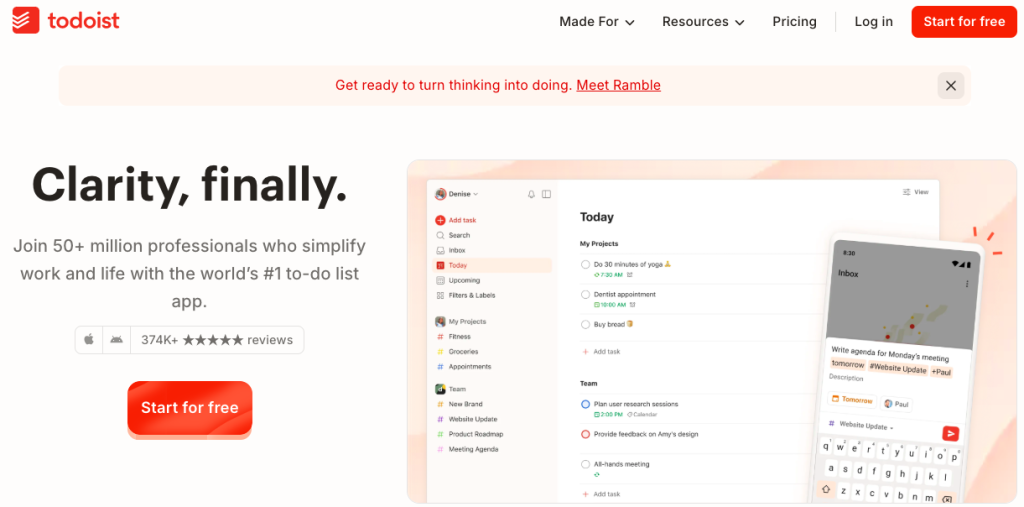
Todoist is one of the most popular task management apps in the world, and while it’s not a dedicated time blocking app, its integration with Google Calendar turns it into a surprisingly powerful time blocking tool for ADHD professionals.
By enabling the Todoist + Google Calendar integration, every task you schedule in Todoist automatically appears as a time block on your calendar. This two-way sync means your tasks and your schedule are always in alignment — no more maintaining a separate to-do list and calendar that never talk to each other.
The natural language input is a particular win for ADHD brains — just type “finish report tomorrow at 2pm for 1 hour” and Todoist handles the rest. No complicated menus, no friction, just fast task capture.
What Makes It Great for ADHD:
- Natural language input makes task capture instant and frictionless
- Google Calendar sync turns tasks into visual time blocks automatically
- Karma points and streaks add gamification to keep ADHD brains engaged
- Clean, distraction-free interface
- Available on every device and platform
Potential Drawback:
- Not a dedicated time blocking app — requires Google Calendar integration to get the full effect
- Can feel overwhelming if you accumulate too many tasks without regular review
Best For: ADHD professionals who are already comfortable with Todoist and want to bridge the gap between their task list and their daily schedule.
😵💫 Feeling overwhelmed with too many tasks in your head?
Todoist helps you capture everything instantly and turn chaos into a clear, organized plan.
👉 Start using Todoist for free and take control of your day
3. Motion — Best AI-Powered Time Blocking App for ADHD
Best for: ADHD professionals who want their schedule built automatically without having to plan manually
Motion is genuinely unlike any other app on this list. Instead of you manually scheduling your time blocks, Motion’s AI does it for you. You add your tasks, set deadlines and priorities, and Motion automatically builds your optimal daily schedule — rescheduling tasks automatically when things run over or new priorities come in.
For ADHD brains that struggle with the planning process itself — the decision fatigue of figuring out what to do when — Motion is a revelation. You wake up and your schedule is already done. All you have to do is follow it.
When a meeting runs long or a task takes more time than expected, Motion doesn’t just leave you with a broken schedule. It automatically reshuffles everything in real time, recalculating your day so nothing falls through the cracks.
What Makes It Great for ADHD:
- AI builds your schedule automatically — eliminates decision fatigue
- Auto-rescheduling keeps your day intact when things run over
- Integrates with Google Calendar and Outlook
- Task prioritization ensures the most important work gets done first
- Reduces the mental load of planning significantly
Potential Drawback:
- Handing control to an AI can feel unsettling for some users at first
- Premium pricing may not suit everyone’s budget
- Occasional over-scheduling if task time estimates are inaccurate
Best For: ADHD professionals who struggle most with the planning process itself and want an app that takes as much decision-making off their plate as possible.
4. Google Calendar — Best Free Time Blocking App for ADHD Beginners
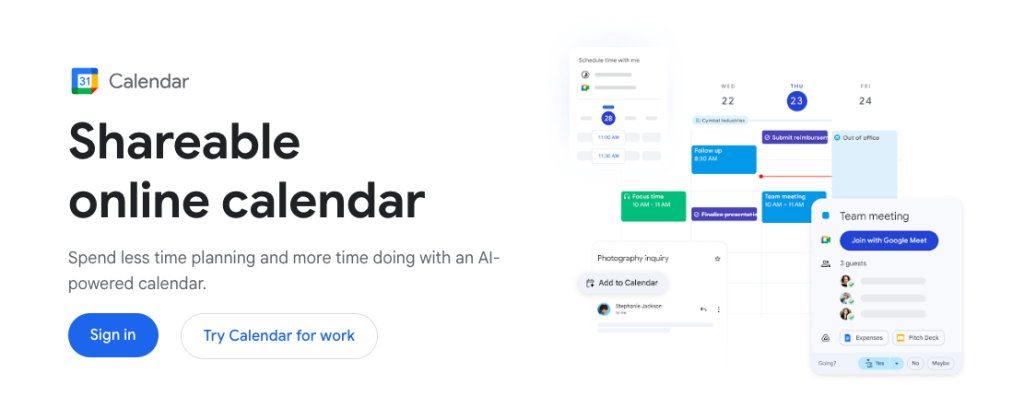
💡 New to time blocking? Start with Google Calendar — it’s free, simple, and surprisingly powerful.
👉 Open your calendar and try blocking just 3 tasks today
Best for: ADHD professionals who are new to time blocking and want a free, familiar starting point
Don’t underestimate Google Calendar as a time blocking tool. It’s free, it’s everywhere, and it’s surprisingly effective for ADHD professionals who are just getting started with time blocking.
The key is using it intentionally — treating every task as an event with a start time, end time, and color code. Color coding different types of work (deep work, admin, meetings, personal) gives ADHD brains the visual structure they need to quickly understand their day at a glance.
Google Calendar also integrates with almost every other productivity tool on the market, making it the backbone of many ADHD professionals’ productivity systems. Pair it with a task manager like Todoist or a focus tool like Forest and you have a surprisingly complete system.
What Makes It Great for ADHD:
- Completely free with a Google account
- Color coding creates visual clarity across different types of work
- Available on every device with seamless sync
- Integrates with hundreds of other apps and tools
- Familiar interface reduces the learning curve
Potential Drawback:
- No built-in task management — requires pairing with another tool
- No AI or automatic scheduling features
- Requires discipline to block time manually and consistently
Best For: ADHD professionals who are new to time blocking and want a zero-cost starting point before investing in a premium tool.
👉 Open your calendar and try blocking just 3 tasks today
5. Structured — Best Visual Time Blocking App for ADHD
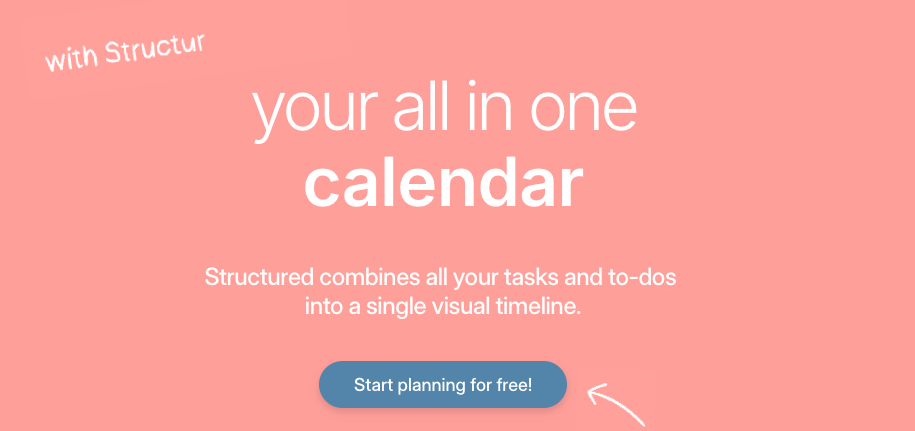
🎨 If you’re a visual thinker, Structured makes your day feel clear instantly.
👉 Try Structured and see your time laid out in front of you
Best for: ADHD adults who are highly visual and need to see their day laid out on a timeline
Structured is one of the most visually satisfying time blocking apps available — and for ADHD brains that are wired to respond to visual stimulation, that matters more than most people realize.
The app displays your day as a beautiful vertical timeline with color-coded blocks representing each task or event. You can see at a glance exactly what’s happening, when it’s happening, and how much time you have between blocks. There are no cluttered menus or complicated settings — just a clean, visual representation of your day.
Structured also syncs with your existing Apple Calendar or Google Calendar, pulling in your existing events so your time blocks sit alongside your real-world commitments. The Apple Watch integration sends gentle reminders right to your wrist — perfect for ADHD brains who miss notifications on their phone.
What Makes It Great for ADHD:
- Beautiful visual timeline interface is highly engaging for ADHD brains
- Color-coded blocks provide instant visual clarity
- Apple Watch integration delivers timely wrist reminders
- Syncs with existing calendars seamlessly
- Simple, fast, and intuitive to set up and use
Potential Drawback:
- Primarily an Apple ecosystem app — Android support is more limited
- Less powerful task management than some competitors
Best For: Visual ADHD thinkers who want the most beautiful and intuitive time blocking experience available on iPhone or iPad.
🎨 If you’re a visual thinker, Structured makes your day feel clear instantly.
👉 Try Structured and see your time laid out in front of you
6. Reclaim.ai — Best for ADHD Professionals with Busy Meeting Schedules
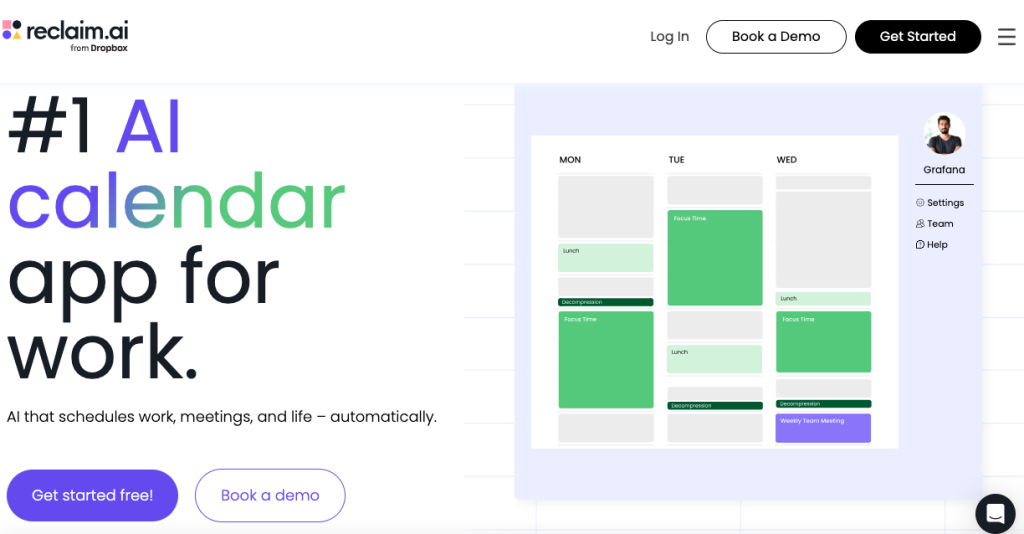
📅 Constant meetings killing your focus? Reclaim protects your deep work time automatically.
👉 Try Reclaim and take back control of your calendar
Best for: ADHD professionals who spend a lot of time in meetings and struggle to protect focus time
If your calendar is constantly getting hijacked by meetings, Reclaim.ai might be exactly what you need. Reclaim is an AI-powered scheduling tool that automatically protects blocks of focus time in your calendar based on your preferences — and defends them against meeting requests.
You tell Reclaim how many hours of deep work you need each day, when your best focus hours are, and what tasks need to get done this week. Reclaim then automatically schedules those tasks into the best available time slots in your calendar and keeps rescheduling them as your calendar changes throughout the week.
For ADHD professionals who constantly find themselves with a full calendar and zero time left for actual work, Reclaim is a genuinely life-changing tool.
What Makes It Great for ADHD:
- Automatically protects focus time from being eaten by meetings
- AI reschedules tasks when your calendar changes
- Habit scheduling ensures regular tasks like exercise or planning get protected time
- Integrates with Google Calendar
- Buffer time feature builds recovery time between meetings
Potential Drawback:
- Currently works best with Google Calendar — Outlook support is more limited
- Can take a week or two of calibration to get the scheduling exactly right
Best For: ADHD professionals in busy corporate or startup environments where meetings constantly threaten to consume the entire workday.
📅 Constant meetings killing your focus? Reclaim protects your deep work time automatically.
👉 Try Reclaim and take back control of your calendar
7. Clockwise — Best for ADHD Professionals Who Work in Teams
Best for: ADHD professionals who need to coordinate time blocking with teammates and colleagues
Clockwise is a smart calendar tool that optimizes your schedule not just around your own preferences but also around your team’s calendars. It finds the best times for focus blocks, meetings, and collaborative work across everyone’s schedules simultaneously.
For ADHD professionals who work in team environments and constantly feel like their focus time gets fragmented by back-to-back meetings, Clockwise solves this by intelligently clustering meetings together and protecting longer uninterrupted blocks for deep work.
It integrates directly with Google Calendar and Slack, automatically updating your Slack status when you’re in a focus block so colleagues know not to disturb you — a small but genuinely helpful feature for ADHD brains who struggle to set boundaries at work.
What Makes It Great for ADHD:
- Clusters meetings together to protect longer focus blocks
- Automatically updates Slack status during focus time
- Team-aware scheduling reduces calendar conflicts
- Focus time analytics show how much deep work you’re actually getting
- Integrates directly with Google Calendar
Potential Drawback:
- Most powerful features require team-wide adoption
- Less useful for solo entrepreneurs or freelancers
- Primarily a Google Calendar tool
Best For: ADHD professionals working in team environments who need smart, collaborative scheduling that protects their focus time without requiring constant manual effort.
Quick Comparison: Best Time Blocking Apps for ADHD at a Glance
| App | Best For | Price | Platform |
| Sunsama | Overall best | $$$ | Web, iOS, Android |
| Todoist | Task integration | Free / $$ | All platforms |
| Motion | AI automation | $$$ | Web, iOS, Android |
| Google Calendar | Beginners | Free | All platforms |
| Structured | Visual thinkers | Free / $ | iOS, Mac |
| Reclaim.ai | Meeting-heavy schedules | Free / $$ | Web |
| Clockwise | Team environments | Free / $$ | Web, Chrome |
How to Actually Stick to Your Time Blocking System with ADHD
Choosing the right app is only half the equation. Here are five strategies to make time blocking actually work with an ADHD brain:
1. Start with just 3 blocks per day. Don’t try to schedule every minute of your day right away. Start with your 3 most important tasks and block time for those. Build from there as the habit develops.
2. Build in buffer time. ADHD brains consistently underestimate how long tasks take. Add a 15–20 minute buffer after every block to account for transitions, interruptions, and tasks that run over.
3. Use a visual timer alongside your app. Apps like Time Timer or a simple visual countdown timer alongside your time blocking app make the passage of time concrete and visible — a game changer for time blindness.
4. Review and adjust every evening. Spend 5 minutes at the end of each day looking at tomorrow’s schedule. Move unfinished blocks, adjust times, and set yourself up for a clear, structured morning.
5. Don’t punish yourself when blocks get broken. ADHD means interruptions happen. When a block gets broken, don’t abandon the system — just reschedule and move on. Consistency over perfection.
Frequently Asked Questions
What is the best time blocking app for ADHD? Sunsama is our top pick for most ADHD professionals because of its guided daily planning ritual, visual timeline, and integrations with popular work tools. However, if budget is a concern, Google Calendar combined with Todoist is a powerful free alternative.
Does time blocking really work for ADHD? Yes — time blocking is one of the most recommended productivity strategies for ADHD adults because it eliminates the need to constantly decide what to do next. By pre-deciding your schedule, you reduce decision fatigue and give your brain a clear, structured path through the day.
What is the difference between time blocking and a to-do list? A to-do list tells you what to do. Time blocking tells you what to do AND when to do it. For ADHD brains that struggle with task initiation, the “when” is often the most important part.
Can I use time blocking on paper instead of an app? Absolutely. Many ADHD adults prefer paper time blocking using a planner with hourly time slots — like the Passion Planner mentioned in our planners guide. Apps offer the advantage of reminders and automatic syncing, but paper works just as well for those who prefer an analog system.
How many time blocks should I schedule per day with ADHD? Start with 3–5 focused work blocks of 25–60 minutes each, with breaks in between. Avoid scheduling more than 4–5 hours of focused work per day — ADHD brains burn through cognitive energy faster than neurotypical brains and need more recovery time.
Final Thoughts: The Best Time Blocking App Is the One You’ll Actually Open
There are a lot of incredible time blocking tools on this list — but the most sophisticated app in the world won’t help you if you don’t open it every morning.
If you’re just starting out, begin with Google Calendar or Structured — both are free, visual, and simple enough to build the habit without overwhelm.
If you’re ready to invest in a more complete system, Sunsama is worth every penny for the clarity and calm it brings to your workday.
And if planning itself is the biggest obstacle — if just figuring out what to do when makes your brain shut down — let Motion’s AI do the heavy lifting for you.
Whichever app you choose, remember that the goal of time blocking isn’t a perfect schedule. It’s a clearer head, fewer decisions, and more time spent on the work that actually matters.
Ready to take control of your time? Pick the app that feels right for your brain and start with just one week. You might be surprised how much calmer your days feel when your time has a plan.