How to Use a Planner Effectively with ADHD: A Step-by-Step Guide That Actually Works
Introduction Learning how to use a planner effectively with ADHD is not about finding more willpower or trying harder to stay organized….
Introduction
Learning how to use a planner effectively with ADHD is not about finding more willpower or trying harder to stay organized. Most planners fail people with ADHD not because the person is broken but because the planner is wrong for their brain.
You have bought the planner. Maybe more than one. The cute one with the color tabs. The minimalist one you thought would be “less overwhelming.” The bullet journal you spent two hours setting up and used exactly three times.
Sound familiar? You are not alone, and you are not broken.
The truth is, most planners are designed for neurotypical brains. They assume you will naturally remember to check them, feel motivated to fill them in, and care about a “monthly overview” you will never look at again. ADHD brains don’t work that way, and no amount of pretty stickers is going to change that.
The good news is that you absolutely can learn to use a planner effectively with ADHD. It just requires a different approach, one that works with your brain instead of against it. This guide is going to show you exactly how.
Why This Matters for ADHD
Planning is not just a nice-to-have for people with ADHD, it is a lifeline. ADHD impairs working memory, which means your brain cannot reliably hold tasks, deadlines, or intentions in mind. Things fall out. Important stuff disappears. And then you feel guilty about it, which makes everything worse.
A planner acts as an external brain. It catches what your working memory drops. But here is the catch: an unused planner helps exactly no one.
The challenge is that ADHD also creates real barriers to using a planner consistently. Initiation difficulty makes it hard to start. Time blindness makes it easy to forget. Novelty-seeking means a new system feels exciting for two weeks and then boring forever. This guide addresses all of those barriers head-on. Every step is designed specifically for how the ADHD brain works.
Step 1: Choose the Right Planner for Your ADHD Brain
Before anything else, you need to find the right tool. The wrong planner will fail you no matter how hard you try.
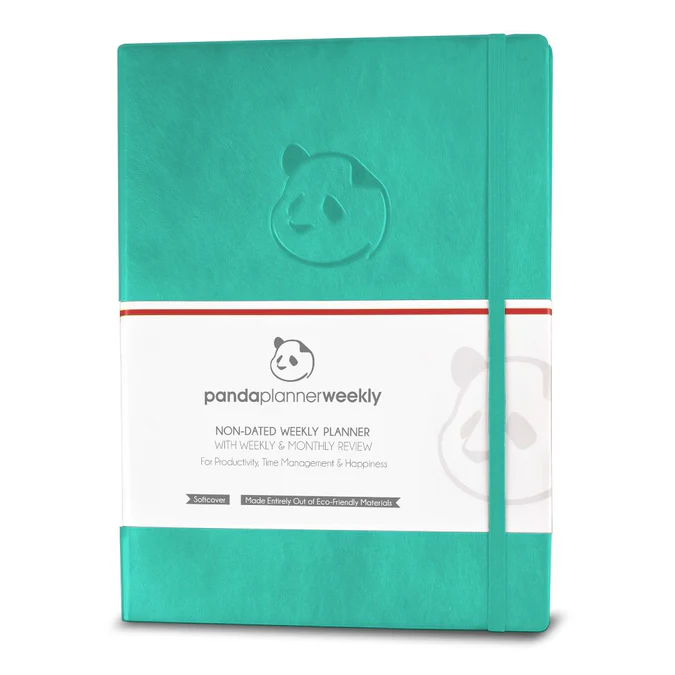
For physical planners, the Panda Planner is a standout choice for ADHD. It breaks your day into morning, afternoon, and evening blocks, includes a space for your top three priorities, and prompts you with gratitude and reflection questions that help anchor your brain. It is structured enough to guide you but flexible enough that you won’t feel trapped.
If you prefer digital, Notion is extremely customizable and works beautifully for ADHD brains who want to build their own system. Pair it with a simple daily template and it becomes a powerful hub.

The Full Focus Planner by Michael Hyatt is another excellent option for those who are goal-oriented and want quarterly planning built in alongside the daily view.
The key rule: Pick ONE planner. Not a backup system. Not two apps and a notebook. One. Commitment to a single system is what separates the people who succeed with planners from those who cycle through them endlessly.
Step 2: Set Up Your Planner in Under 10 Minutes
One of the biggest ADHD pitfalls is the “perfect setup” trap. You spend three hours color-coding a monthly layout, get overwhelmed, and never open it again.
Instead, keep your initial setup brutally simple. For the first week, you only need three things in your planner:
- Your top three tasks for today
- One appointment or deadline coming up this week
- One thing you are grateful for (this matters more than it sounds — it sets a positive emotional tone that keeps you coming back)
That is it. No elaborate key systems, no habit trackers, no weekly spreads yet. Build the habit first, then add complexity later.
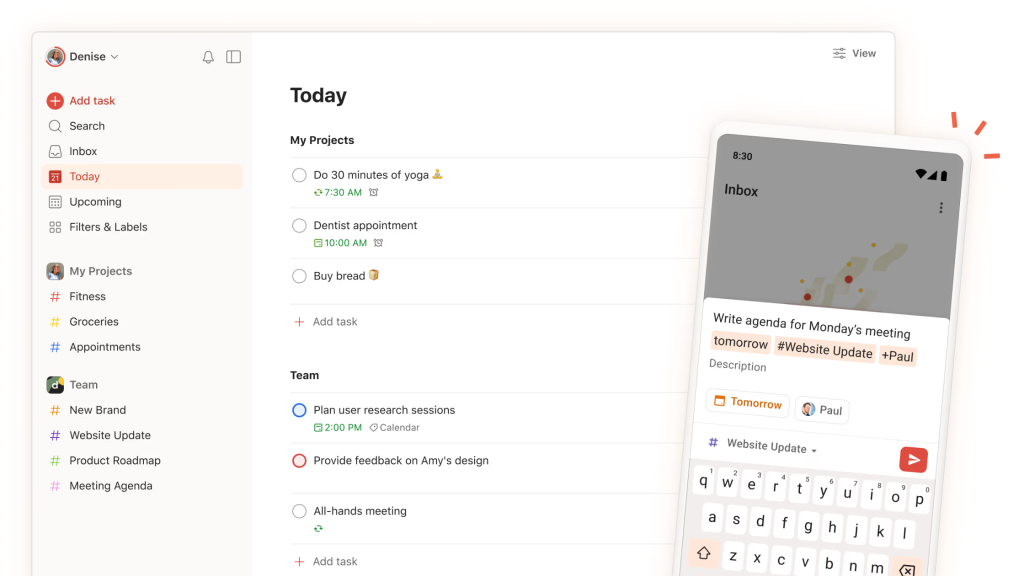
If you prefer a digital starting point, Todoist is one of the cleanest, lowest-friction task apps available. Its “Today” view gives you a simple daily task list without the overwhelming dashboard clutter that kills ADHD focus. The free plan is genuinely solid.
Step 3: Anchor Your Planner to an Existing Habit
Here is the secret that makes planner consistency actually possible with ADHD: habit stacking. You will not remember to check your planner randomly throughout the day. But you will reliably do certain things every day, make coffee, brush your teeth, and sit down at your desk.
Pick one of those existing habits and attach your planner to it. Every morning when you make coffee, you open your planner. Every night after brushing your teeth, you write tomorrow’s top three tasks. The existing habit acts as the trigger so you never have to rely on remembering.

The Habit Nest Morning Sidekick Journal is purpose-built around exactly this idea. It combines a morning routine guide with a daily planner, so your habit-stacking trigger and your planning tool are literally the same object. Open it in the morning — you are already done with Step 3.
Step 4: Use Time Blocking — But Make It Flexible
Traditional to-do lists are ADHD kryptonite. A list of ten tasks with no time attached gives your brain no structure for when to do any of them. The result is paralysis, avoidance, or spending four hours on the lowest-priority item.
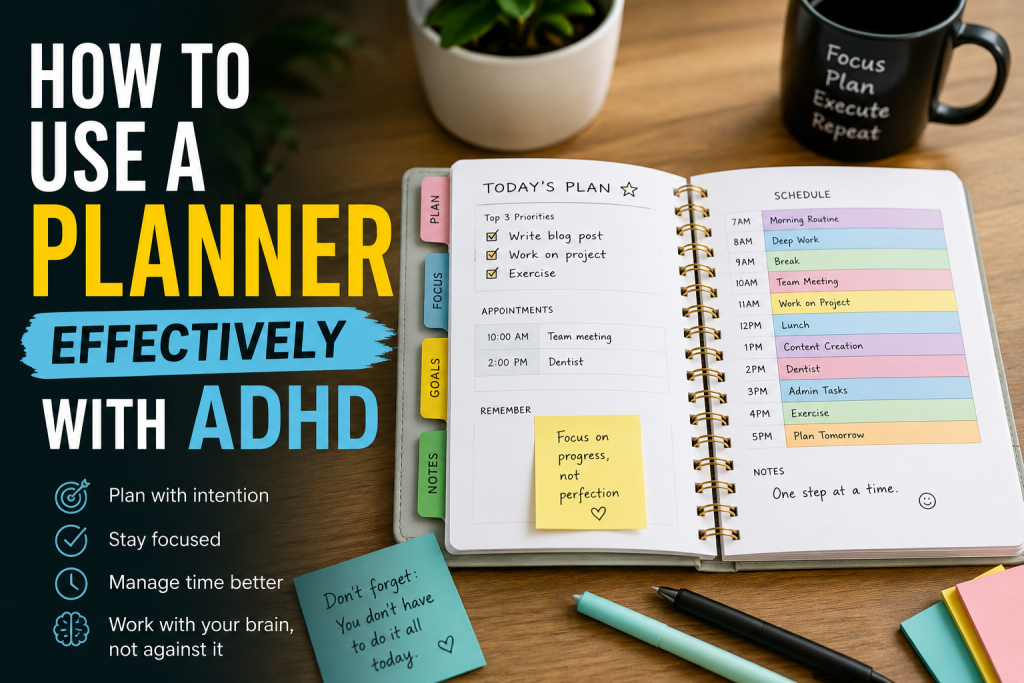
Time blocking solves this by assigning each task a specific time slot in your day. Instead of “write report” sitting on a list, you write “9–10 AM: write report.”
The catch for ADHD: leave buffer blocks. ADHD time blindness means you will almost always underestimate how long things take. After every two blocks, add a 15-minute “overflow” block. This is not wasted time, it is insurance that keeps your entire day from collapsing when one task runs long.
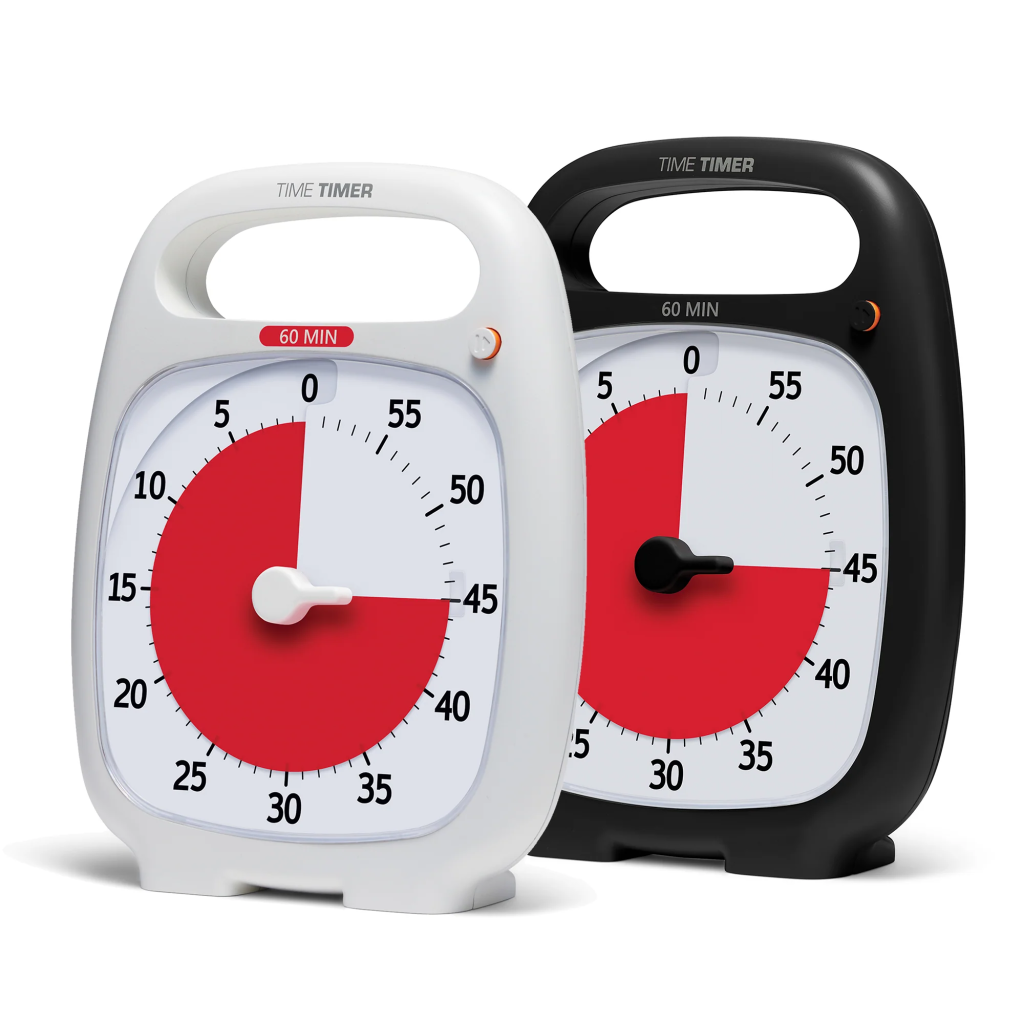
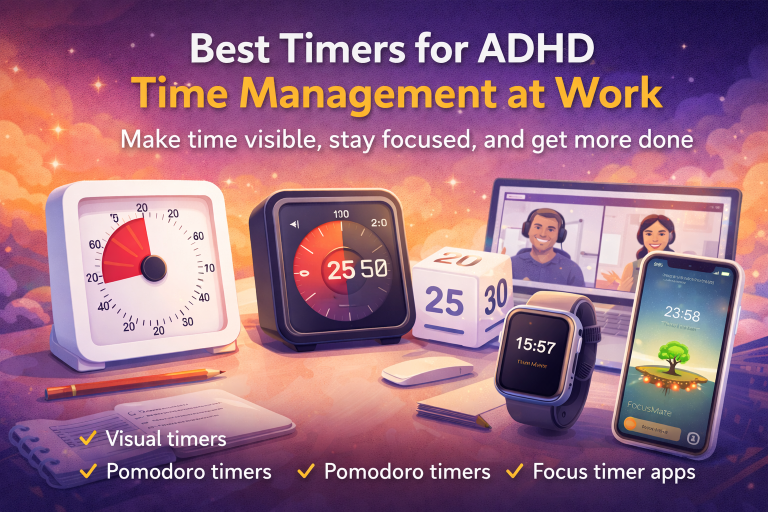
The Time Timer PLUS is a physical visual timer that makes time blocks real to your brain. Seeing time visually drain away activates urgency in a way a digital clock never does. It is one of the single best tools for ADHD time management.
Step 5: Keep Your Daily Task List to Three Items Maximum
This sounds too simple. It is not. ADHD brains that look at a ten-item to-do list feel immediate overwhelm and often do nothing. Three items feel achievable. Three items completed feels like a win. Wins build momentum.
Each morning, identify your Big Three, the three tasks that, if you completed them today, would make the day a genuine success. Write them at the top of your daily planner page. Everything else goes on a separate “extra” or “overflow” list that you only look at after the Big Three are done.
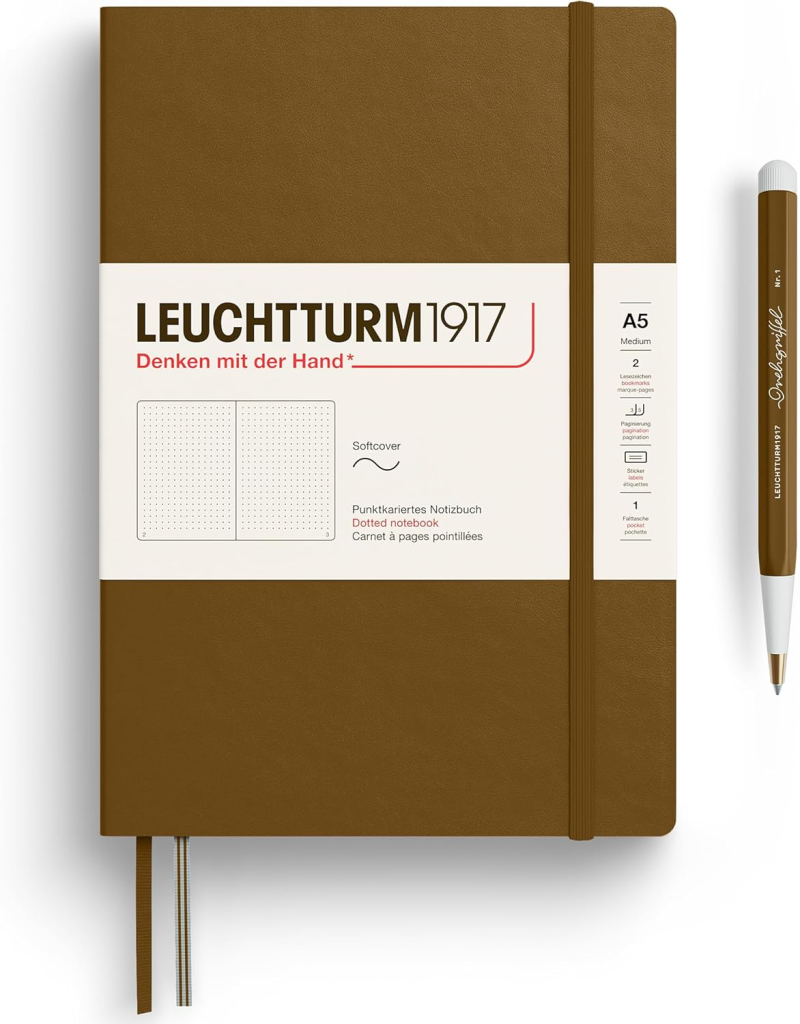
If you want a beautiful, structured notebook that nudges you toward this kind of intentional daily focus, the Leuchtturm1917 Hardcover Notebook is a cult favorite among ADHD planners and bullet journalists alike. Its numbered pages, table of contents, and quality paper make it easy to build a minimal, personalized daily layout without the overwhelm of a pre-printed template.
Step 6: Build In a 5-Minute Evening Review
The evening review is the single most underrated planner habit and the one most people skip. It takes five minutes. Before you close out for the night, you do three things:
- Check off what you completed
- Move anything unfinished to tomorrow
- Write tomorrow’s Big Three
This tiny ritual does something powerful: it closes open loops. Open loops — tasks sitting unfinished in your mind — are one of the biggest drivers of ADHD anxiety and disrupted sleep. An evening review clears the mental cache and tells your brain it is safe to switch off.
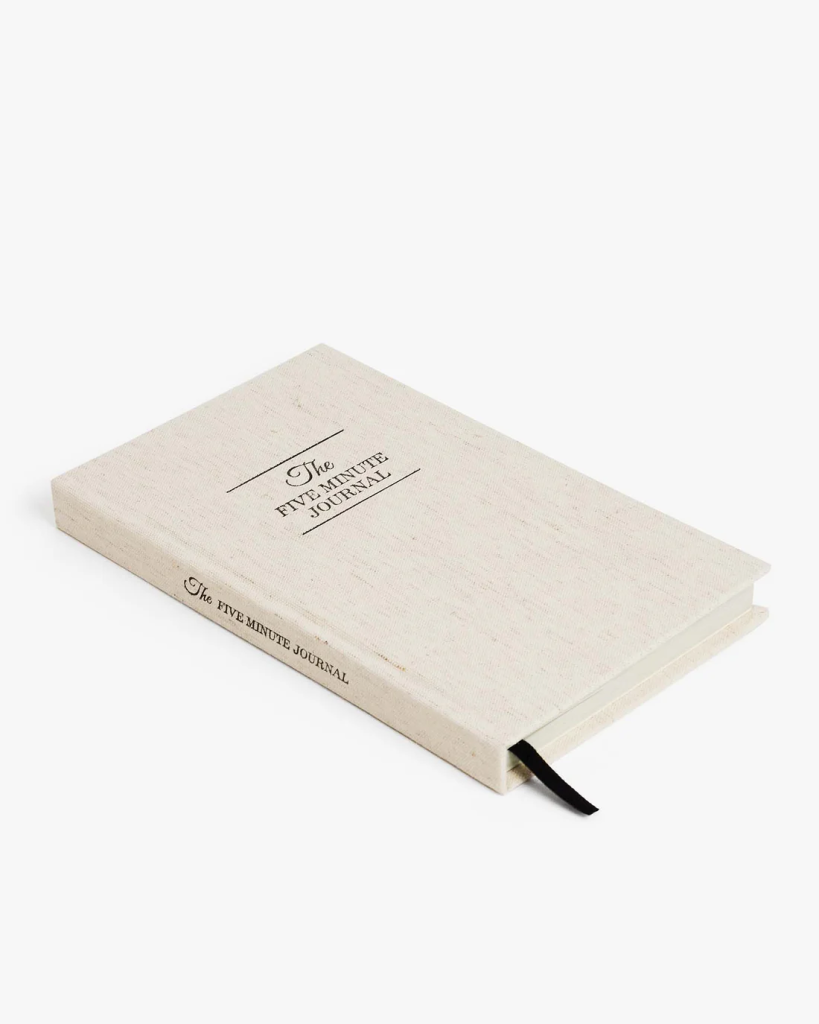
The Five Minute Journal by Intelligent Change is a guided morning and evening journal that makes this routine almost automatic. The evening prompts are specifically designed to help you reflect, release, and set up tomorrow — ideal for ADHD brains that struggle with self-directed wind-down routines.
Step 7: Make Your Planner Impossible to Ignore
Out of sight, out of mind is not a personality flaw for people with ADHD. It is a neurological reality. If your planner lives in a drawer, it does not exist. Place it directly on your desk, propped open, or position it between you and your keyboard so it cannot be bypassed. Make avoidance physically awkward.
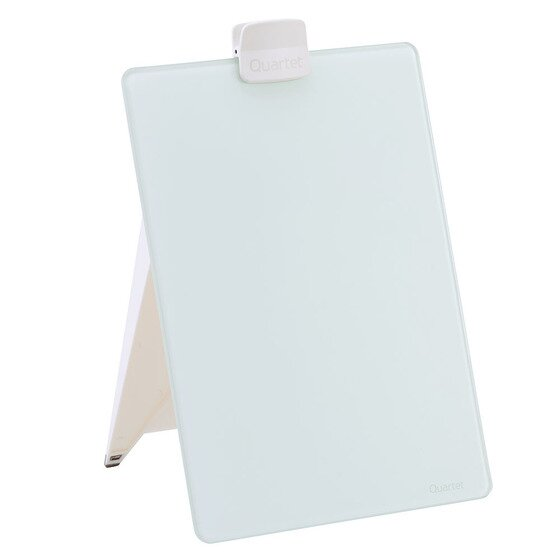
For a visual command center at your desk, the Quartet Glass Dry Erase Board Desktop Easel is excellent. Write your Big Three on it every morning in big, visible letters and prop it right next to your screen. It doubles as a planner supplement — always in your line of sight, always reminding you what matters today.
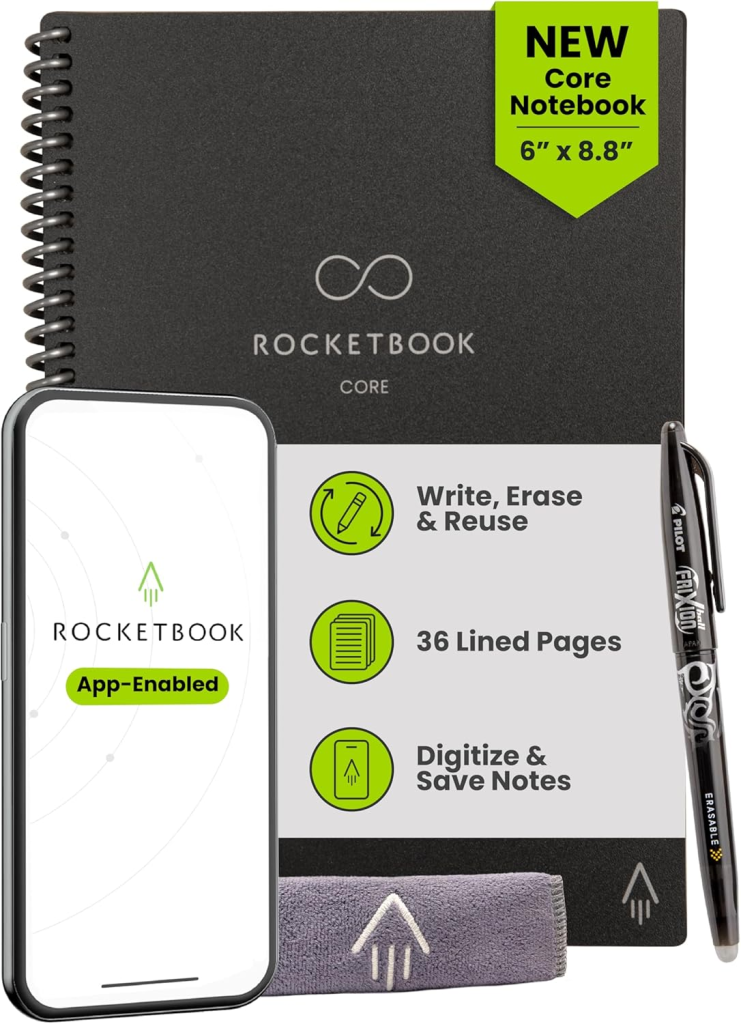
For those who lose paper notes, pair your planner with a Rocketbook Core Smart Reusable Notebook to scan and sync handwritten plans directly to Google Drive, Dropbox, or email. Nothing disappears, and your notes live in two places at once.
Step 8: When You Fall Off, Restart Without Drama
You will fall off. Everyone does but ADHD brains fall off harder and more often, and then they spiral into shame that makes starting again feel impossible. Build the expectation of imperfection directly into your system. Tell yourself right now: “I will miss days. That is fine. A missed day does not mean the system failed.”
When you miss a day or a week you do not need to catch up or fill in the blank pages. You just open today and start fresh. That is it. No elaborate re-setup, no guilt spiral, no “I’ll start fresh on Monday.” Open the planner. Write today’s Big Three. Go.
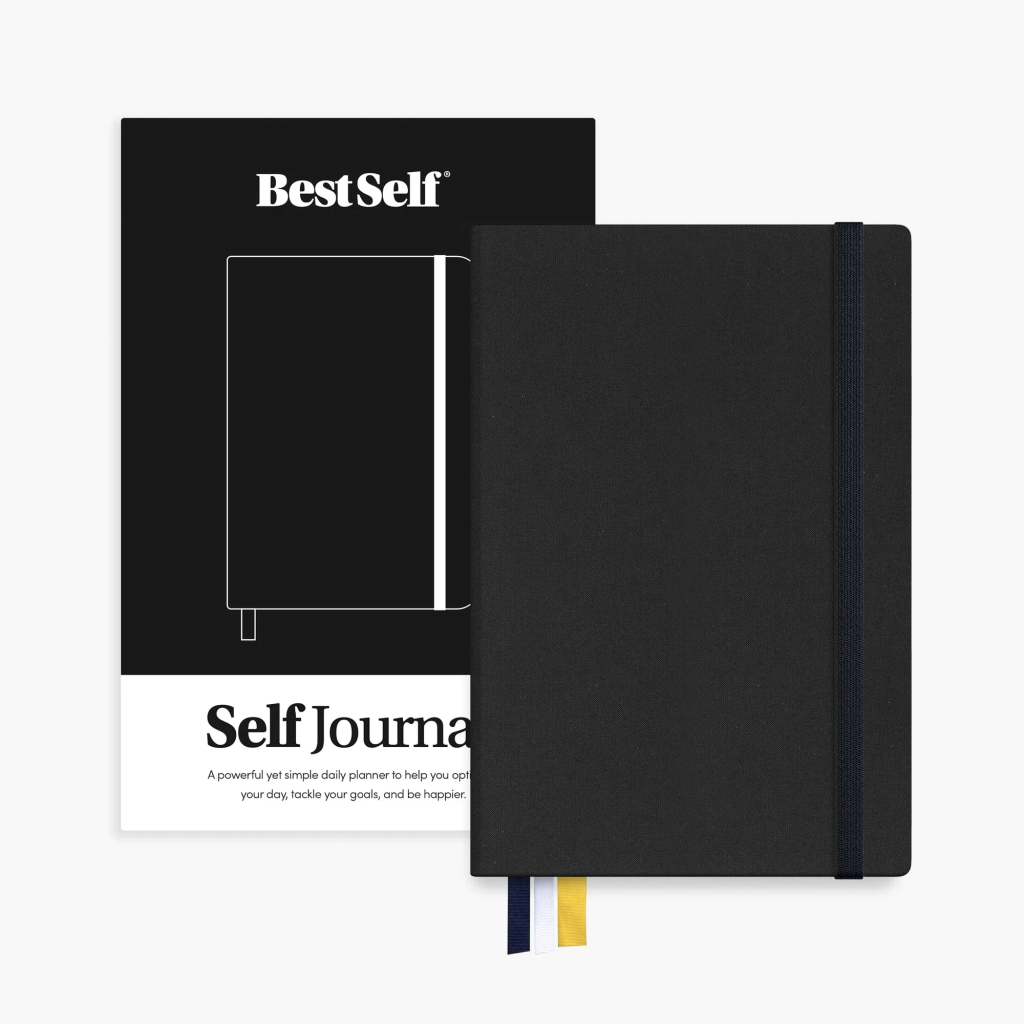
The Best Self Co. SELF Journal is designed specifically around this kind of resilient goal-keeping. It runs on 13-week sprints with built-in reflection checkpoints, so a bad week is just one chapter in a bigger arc — not a reason to scrap the whole thing. The structured self-assessment built into each week is particularly helpful for ADHD brains who struggle to evaluate their own patterns.
Step 9: Add Color and Visual Cues, But Strategically
ADHD brains are often highly visual, and strategic use of color can genuinely help as long as you don’t go so far that it becomes a procrastination trap. A simple three-color system works well. Use one color for work tasks, one for personal, one for urgent or non-negotiable items. That’s it. No 12-color key, no elaborate symbols.
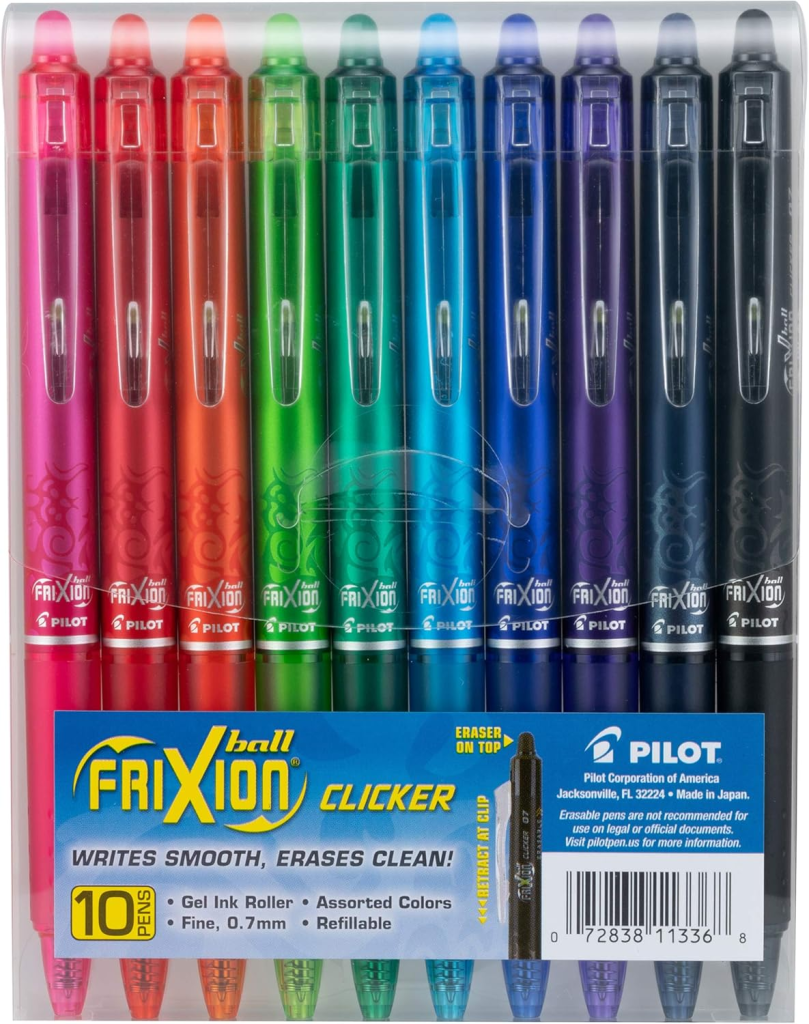
Pilot FriXion Erasable Gel Pens are ideal for ADHD planners because they erase cleanly, no more scratched-out messes when you change your mind or reschedule a task. They come in a wide range of colors, write smoothly, and eliminate the perfectionism paralysis of committing ink to paper permanently.
Step 10: Review Your System Every Two Weeks
No planner system is permanent. What works in January may not work in March. Seasons, workloads, and ADHD symptoms all shift. Every two weeks, spend ten minutes asking yourself three questions:
- Am I actually using this planner daily?
- What is working and making my life easier?
- What feels like friction — something I avoid or dread?
Then adjust accordingly. Simplify what creates friction. Protect what works. This is not failure, it is fine-tuning. The best planner system is the one you actually use.
For a digital layer that supports this kind of intentional daily and weekly review, Sunsama is one of the best ADHD-friendly daily planning apps available. It pulls tasks from tools like Asana, Todoist, and Google Calendar into a single focused daily view and prompts you with a structured planning ritual each morning and a shutdown routine each evening, both exactly what ADHD brains need.
Common Mistakes to Avoid
1. Setting up too complex a system from the start. You don’t need habit trackers, mood logs, and goal trees on day one. Build in stages. Complexity earned over time sticks; complexity imposed up front overwhelms.
2. Using your planner for everything except tasks. A planner is not a journal, a sketchbook, or a vision board. Keep it functional. If you want a journal, get a separate journal.
3. Relying on the planner alone. Your planner is one layer of your system. Pair it with phone alarms, visual timers, and environmental cues. Multiple inputs beat single points of failure every time.
4. Chasing novelty. The excitement of a new planner is not a planner habit. Give any system at least 30 days before declaring it broken. Most systems “fail” because they were abandoned, not because they were wrong.
5. Skipping the evening review. Filling in tomorrow’s plan at night is what makes the morning launch frictionless. Skip it and you will spend twenty minutes in the morning deciding what to do instead of doing it.
FAQ
Q: What is the best planner for ADHD adults? A: It depends on your preference for physical vs. digital. For physical planners, the Panda Planner and Full Focus Planner are both structured in ways that support ADHD brains. For digital, Notion offers the most customizable and ADHD-friendly environment.
Q: How do I remember to check my planner every day with ADHD? A: Habit stacking is the most reliable method — attach planner use to an existing daily habit like making coffee or brushing your teeth. Phone alarms and keeping the planner visually prominent also help significantly.
Q: Should I use a physical planner or a digital app for ADHD? A: Neither is universally better. Physical planners reduce screen distraction and provide tactile engagement, which some ADHD brains find grounding. Digital apps offer searchability, reminders, and cloud sync. Many people use a hybrid — try both and notice which one you actually return to.
Q: What should I do when I fall behind in my planner? A: Don’t try to catch up. Open to today, skip the blank pages, and write today’s Big Three. One missed day or week does not require a reset ceremony — just start again right now.
Q: How many tasks should I put in my planner each day if I have ADHD? A: Start with three. The Big Three method consistently outperforms longer lists for ADHD brains because it reduces overwhelm and makes completion feel achievable. You can always do more once the Big Three are done.
Final Thoughts
Learning to use a planner effectively with ADHD is not about finding the perfect system. It is about finding a good enough system and actually using it. Consistently. Even imperfectly.
The steps in this guide are not theory, they are practical, brain-friendly strategies built around how ADHD actually works. Start with Step 1 and Step 2 this week. Add the evening review in week two. Build slowly and let the habits compound.
If you are ready to go deeper, VidaLit has you covered. Browse our full library of ADHD productivity guides — from the best planners and focus tools to time blocking systems and habit-building strategies — all written specifically for ADHD and busy brains. Everything on VidaLit is designed to help you build a life that works for you, not against you.
Your brain is not the problem. The right system just hasn’t clicked yet. Let’s find it together.
Ready to finally make a planner work for you? Pick one tool from this guide, implement it today, and bookmark this page for when you need a reset. You’ve got this.
You Might Also Like: