How to Prioritize Tasks When You Have ADHD (Without Losing Your Mind)
Introduction Learning how to prioritize tasks when you have ADHD is one of the most important skills you can build — because…
Introduction
Learning how to prioritize tasks when you have ADHD is one of the most important skills you can build — because without a clear system everything feels equally urgent and nothing gets done.
If you have ADHD your to-do list probably looks like a battlefield. Everything feels urgent. Everything feels important. And when everything is a priority nothing actually is.
You open your to-do list and suddenly everything feels equally urgent. The report due Friday, the email you forgot to send Monday, the dentist appointment you’ve been rescheduling since January, they all scream at you at the same time. So you close the list and scroll your phone instead.
If that sounds familiar, you’re not failing. That’s the ADHD brain doing exactly what it’s wired to do. For people with ADHD, prioritization isn’t just hard, it’s neurologically complicated. Your brain struggles to assign weight to tasks, regulate time perception, and activate on demand. What looks like laziness to the outside world is actually a genuine executive function challenge.
Well, you don’t need a perfect system. You need a simple, forgiving one that fits the way your brain actually works. This guide breaks it all down, step by step, so you can finally learn to prioritize tasks with ADHD and stop feeling buried.
Why This Matters for ADHD
Most productivity advice assumes your brain can naturally rank tasks by importance and urgency. For ADHD brains, that ranking system is broken by default. Here’s what’s actually happening:
Time blindness makes everything feel like it’s either happening RIGHT NOW or in some vague distant future. There’s no middle ground. This makes it almost impossible to naturally feel that a deadline is approaching.
Emotional urgency overrides logical urgency. Your ADHD brain doesn’t prioritize what matters most, it prioritizes what feels most interesting, most stressful, or most novel at this exact moment. That’s why you’ll spend two hours reorganizing your desk instead of writing the proposal due tomorrow.
Task paralysis kicks in when the list gets long. Too many options = brain freeze. The more items on the list, the harder it becomes to start any of them.
Understanding this isn’t an excuse — it’s a starting point. When you know why prioritization is hard, you can build a system that works around those challenges instead of fighting them.
How to Prioritize Tasks With ADHD: 9 Actionable Steps
Step 1: Do a Full Brain Dump First
Before you can prioritize anything, you need to get it all out of your head. Grab a notebook, a whiteboard, or an app like Notion or Google Keep and write down every single task rattling around in your brain. Don’t filter, don’t organize, just dump. Work tasks, personal errands, things you’ve been avoiding for weeks. All of it goes on the page.
The goal here is to stop using your working memory as a storage system. Your ADHD brain isn’t great at holding multiple things at once, and when it tries, anxiety spikes and productivity tanks.
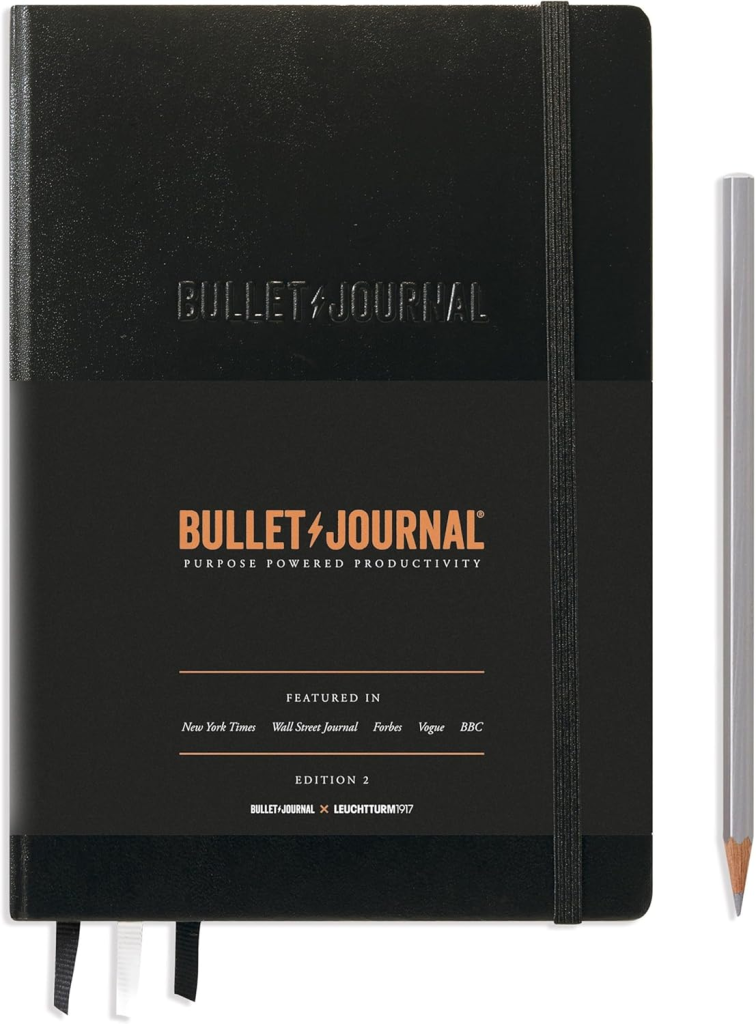
Tool tip: A physical notebook like the Leuchtturm1917 Bullet Journal is great for this because writing by hand slows you down just enough to think. If you prefer digital, Notion’s free plan works well.
Step 2: Pick Only 3 Priority Tasks Per Day
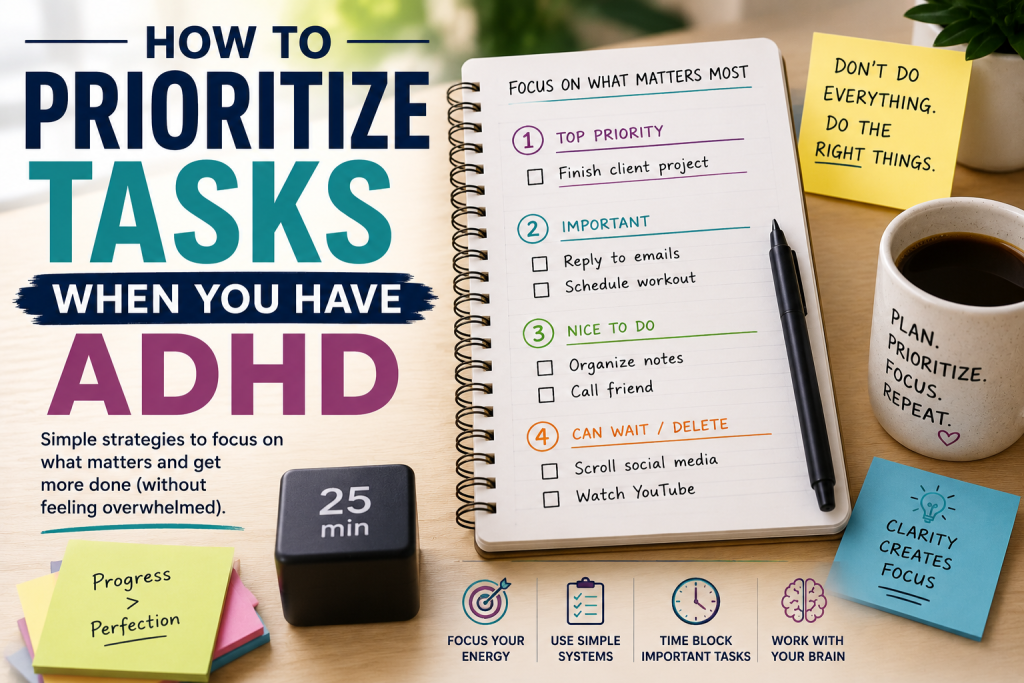
Once everything is out of your head, resist the urge to tackle the whole list. Pick three and only three tasks that absolutely must get done today.
This is the MIT method: Most Important Tasks. Three is the magic number for ADHD brains because it’s small enough to feel manageable and large enough to feel productive.
Ask yourself: If I only completed three things today, which three would make tomorrow easier?
Write those three tasks on a sticky note and put it somewhere visible. Everything else goes on a “later” list that you don’t need to look at today.
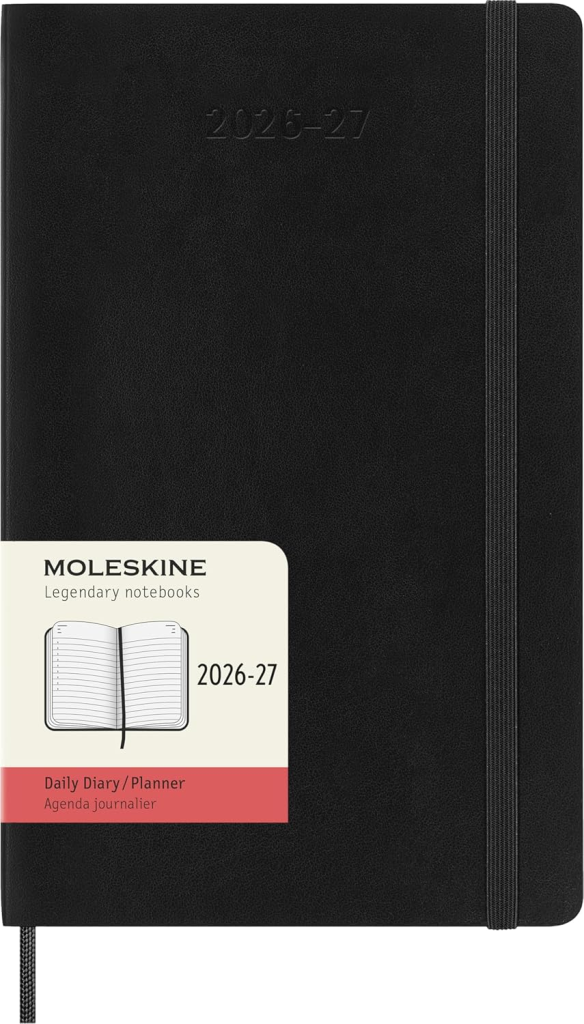
Tool tip: The Moleskine Daily Planner has a simple daily layout that makes it easy to identify your top three without overwhelming you with space to overplan.
Step 3: Use the Eisenhower Matrix, Simplified
The classic Eisenhower Matrix sorts tasks into four boxes: urgent/important, not urgent/important, urgent/not important, not urgent/not important. For ADHD, this can feel like too many categories.
Here’s the simplified version, just ask two questions:
- Does this have a hard deadline in the next 48 hours? → Do it today.
- Will skipping this have real consequences? → Do it this week.
Everything else either gets delegated, scheduled for later, or dropped.
The key is being honest about what a “real consequence” actually is. Not every task that feels urgent actually is. ADHD brains are prone to creating false urgency around low-stakes tasks to trigger dopamine, don’t fall for it.
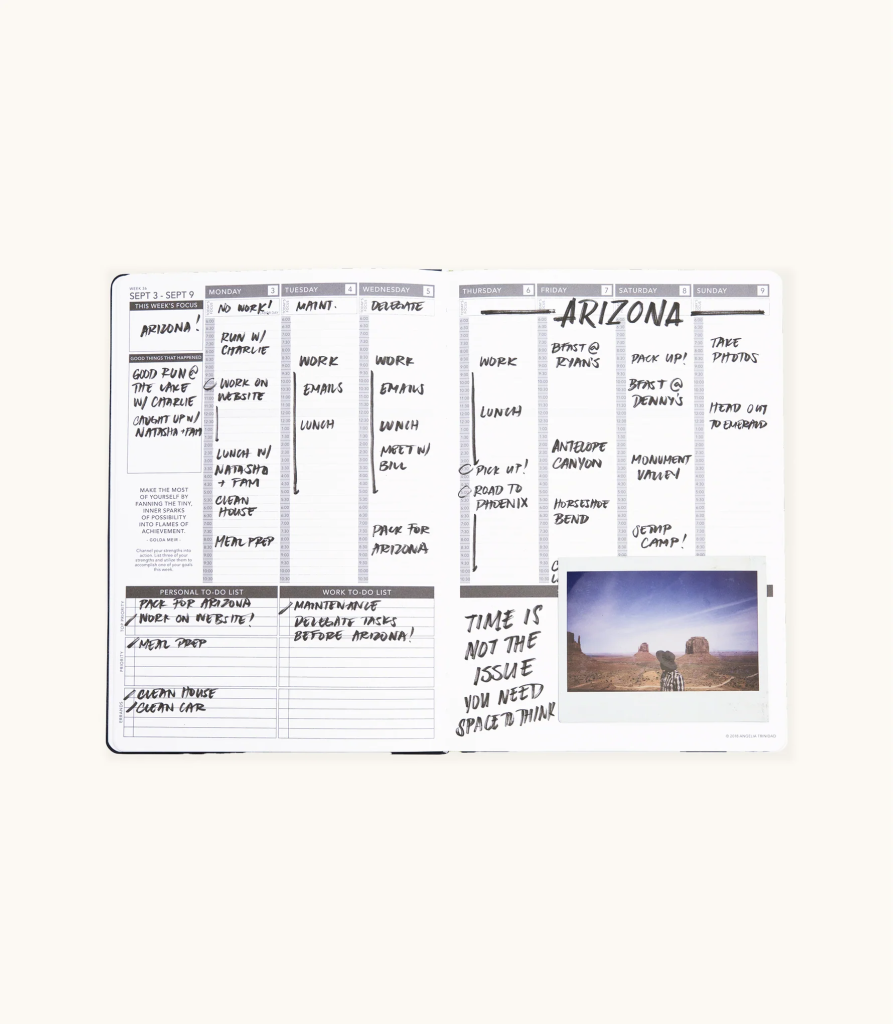
Tool tip: The Passion Planner Weekly Planner has a built-in priority mapping section that makes the urgent/important split visual and tactile much easier than trying to sort it all in your head.
Step 4: Time Block Your Top 3 Tasks
Knowing what to do isn’t enough. You need to know when you’re going to do it.
Time blocking means assigning a specific time slot to each of your three priority tasks. Not “I’ll do the report this afternoon” but “I will work on the report from 10am to 11am.”
ADHD brains respond much better to concrete time anchors than to open-ended intentions. It also helps with time blindness because your day has visible structure instead of a formless expanse of hours.
Keep blocks short, 25 to 45 minutes max. Use a timer app or the classic Pomodoro method to stay on track.
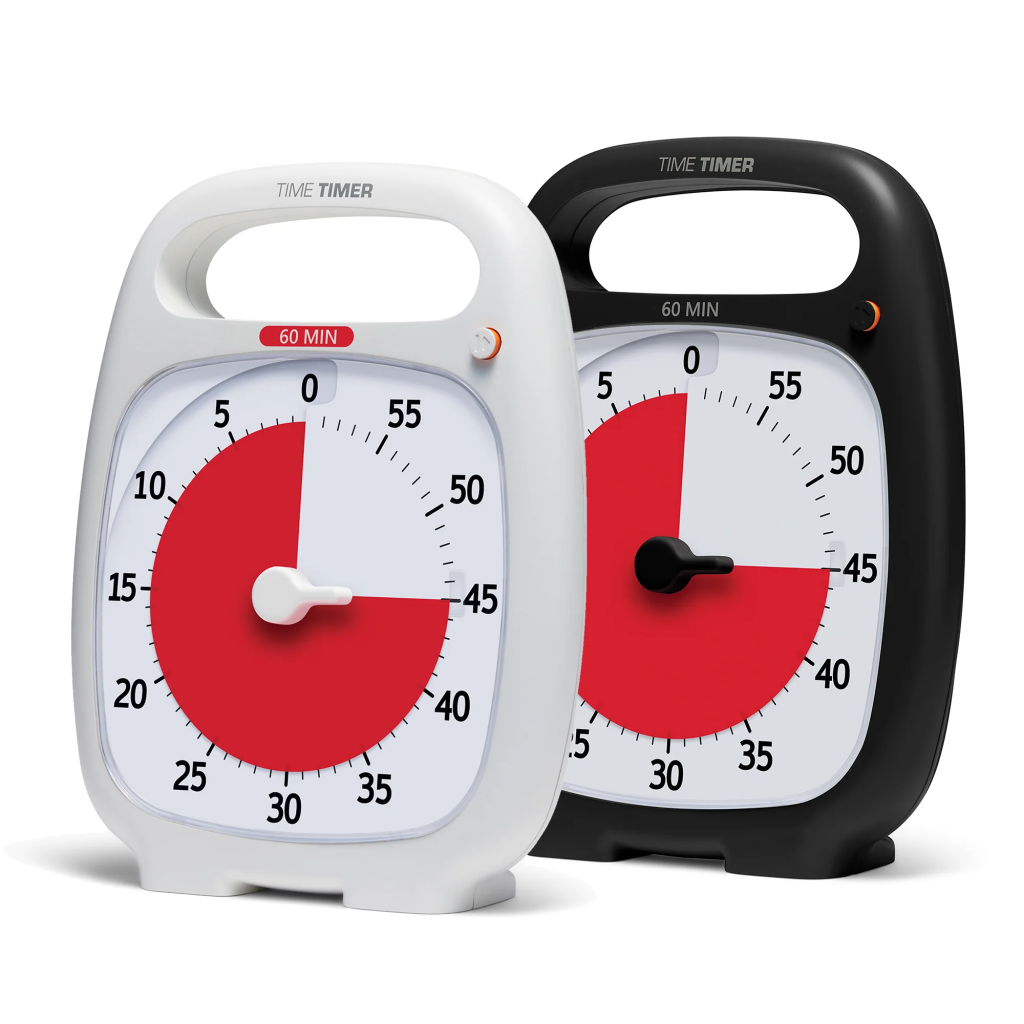
Tool tip: The Time Timer PLUS is a visual analog timer that shows time disappearing as a colored arc, perfect for making abstract time feel real and concrete for ADHD brains.
Step 5: Assign Every Task a “Start Action”
One of the sneakiest ADHD traps is vague task descriptions. “Work on project” is not an actionable task. Your brain doesn’t know where to start, so it doesn’t start at all.
For every priority task, write down the very first physical action you need to take. Not the whole task — just the first step.
- “Work on project” → “Open the project file and read the last paragraph I wrote”
- “Clean the kitchen” → “Put three dishes in the dishwasher”
- “Reply to emails” → “Open inbox and reply to Sarah’s message”
This removes the activation energy barrier. Once you start the first tiny action, momentum usually carries you forward.
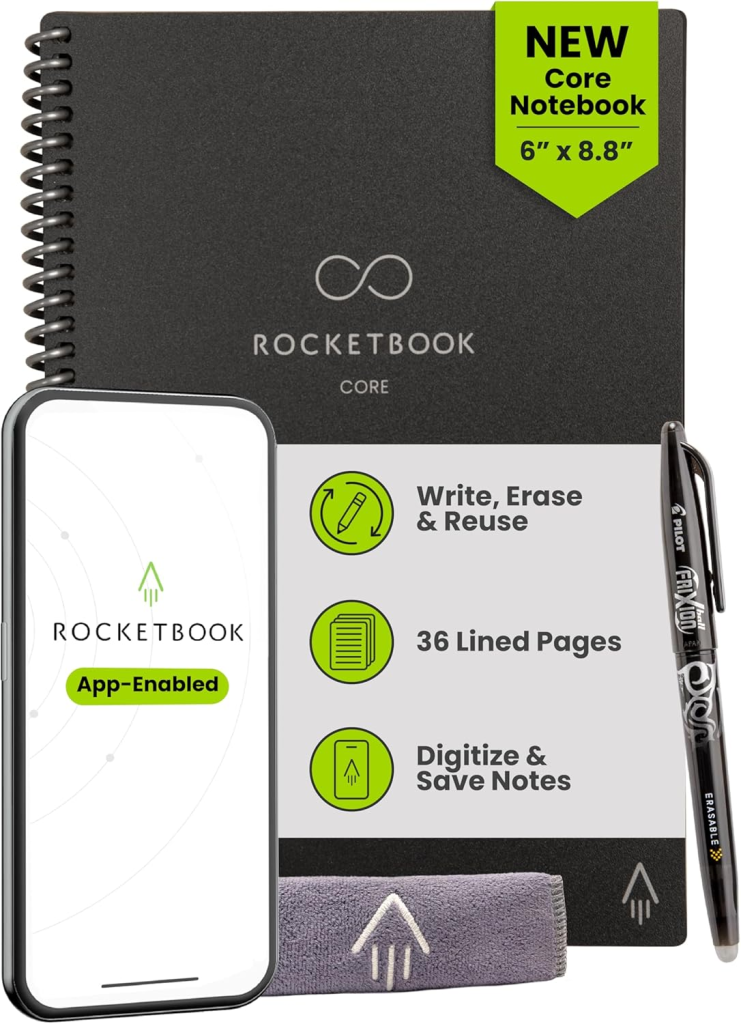
Tool tip: The Rocketbook Reusable Smart Notebook lets you write out your start actions by hand, photograph the page to save digitally, and wipe it clean to reuse, great for ADHD brains that think better on paper but lose everything.
Step 6: Use “If-Then” Planning to Fight Distractions
ADHD brains are incredibly susceptible to distraction — and the worst moment to decide what to do about a distraction is when you’re already distracted.
If-then planning means you decide your response to distractions in advance. You basically pre-program your brain.
Examples:
- If I get a text while working, then I’ll put my phone face-down and respond after the timer goes off.
- If I feel like checking social media, then I’ll write the distraction down and come back to it later.
- If I get pulled onto a “quick” task by someone else, then I’ll say “I’ll add that to my list for after 2pm.”
Research consistently shows that if-then planning dramatically improves follow-through for people with ADHD. It’s one of the most underrated tools in the toolkit.
Tool tip: A distraction blocker like Freedom pairs perfectly with if-then planning, you can schedule your focus blocks in advance so the app enforces your rules even when your brain doesn’t want to.
Step 7: Use an App That Actually Fits ADHD
Not all productivity apps are created equal. Most are built for neurotypical brains that respond to long lists and calendar reminders. ADHD brains need something different. Look for apps that offer visual task management, gentle reminders, and minimal setup friction.
Top picks for ADHD prioritization:
- Todoist — Clean interface, natural language input, priority flags. Has an affiliate program.
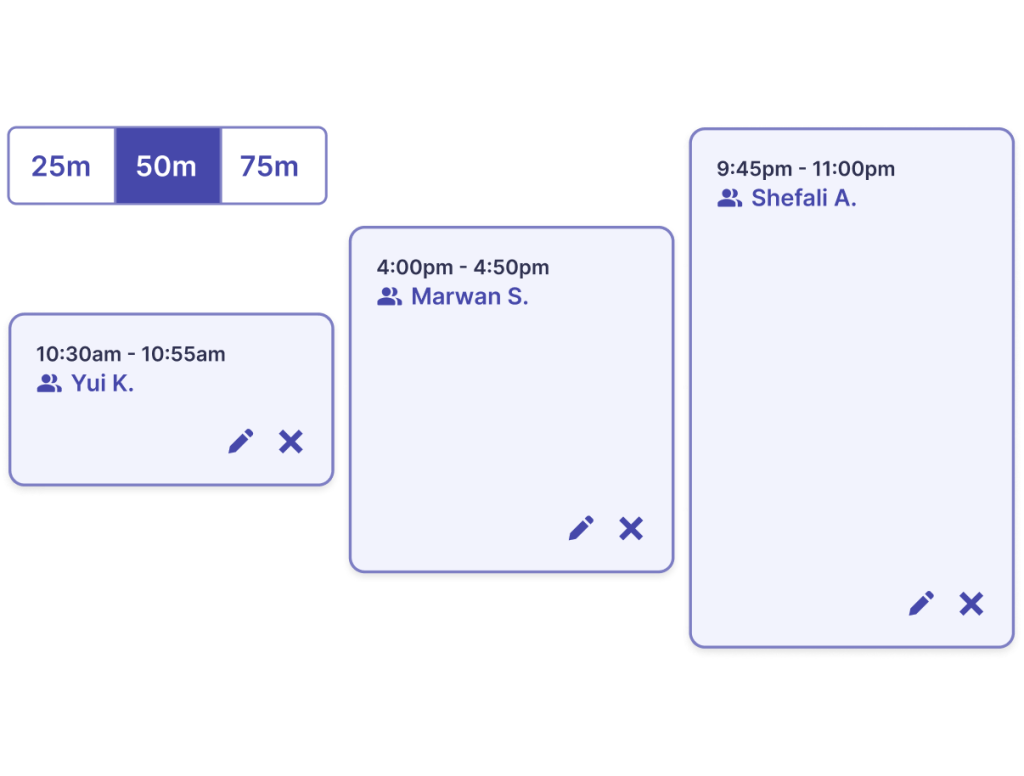
- Focusmate — Virtual body-doubling sessions where you work alongside a stranger via video. Incredible for accountability.
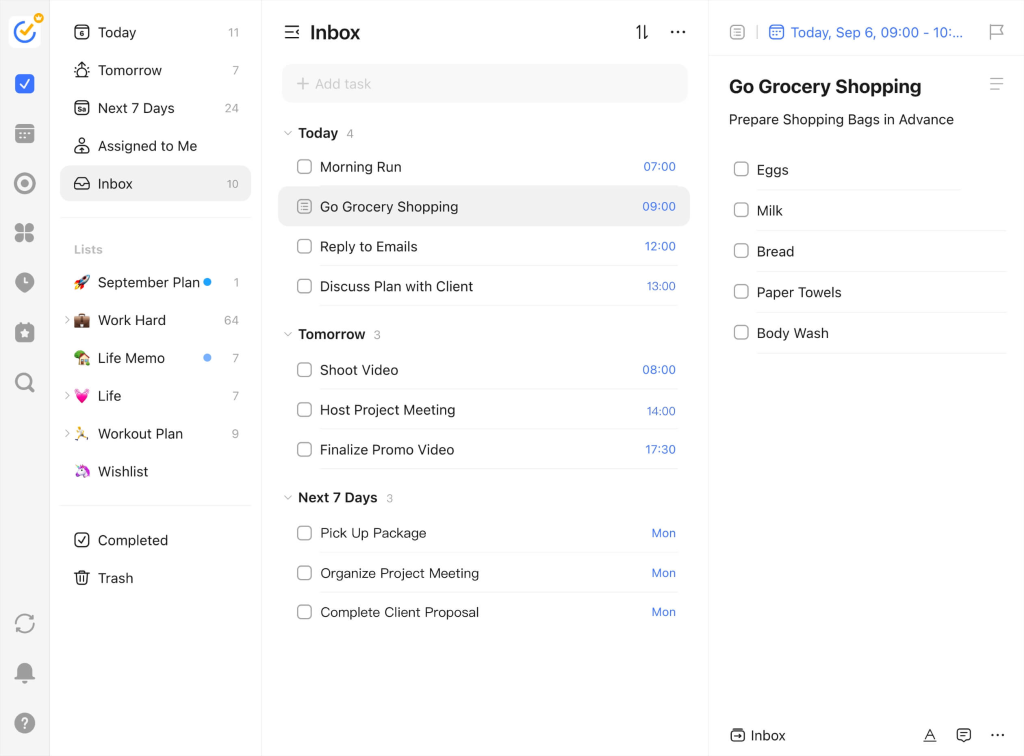
- TickTick — Combines task management with a built-in Pomodoro timer.
- Motion — AI-powered scheduler that automatically reorganizes your day when tasks get missed or delayed. Great for ADHD because it removes the need to manually re-plan.
Start with one app only. Trying multiple systems at once is a classic ADHD trap that leads to abandoning everything.
Step 8: Do an End-of-Day Reset (5 Minutes Only)
Most ADHD advice focuses on starting — but the end of your day matters just as much. A five-minute end-of-day reset does three things:
- Closes open loops — Write down anything unfinished so your brain stops trying to hold onto it overnight.
- Set tomorrow’s top 3 — Future you will be grateful.
- Celebrate small wins — Write down one thing you actually did today. ADHD brains are wired to focus on failures. Counteract that.
This doesn’t need to be elaborate. A sticky note or a quick note in your phone is enough. The habit matters more than the tool.
Tool tip: The Ink+Volt Daily Planner has a built-in end-of-day reflection section that prompts you through the reset automatically, no guessing what to write, just fill in the blanks and close the day.
Step 9: Review and Adjust Weekly, But Keep It Short
A weekly review sounds like something a Type-A person invented to torture everyone else. But for ADHD, a lightweight version is genuinely useful.
Once a week, Sunday evening or Monday morning, spend 15 minutes asking:
- What actually got done this week?
- What kept getting pushed off?
- What do I need to prioritize next week?
That’s it. You’re not building a five-year plan. You’re just making sure nothing important keeps slipping through the cracks.
If something has been on your list for three weeks without getting done, either schedule it with a specific time block this week or accept that it’s not actually a priority and remove it.

Tool tip: The Full Focus Planner by Michael Hyatt is built around a structured weekly review ritual that walks you through exactly what to assess and plan, no blank page, no guessing, just a clear reset that takes 15 minutes or less.
Common Mistakes to Avoid
1. Making your to-do list too long. A list with 20 items is just anxiety in bullet-point form. Keep your active daily list to three tasks maximum. Everything else lives on a backlog.
2. Picking tasks based on ease, not importance. ADHD brains love the dopamine hit of crossing off small, easy tasks. But spending your peak focus hours clearing low-stakes items is procrastination in disguise. Do your hard task first.
3. Skipping the “start action” step. Vague tasks don’t get started. If you write “work on taxes” instead of “open TurboTax and enter last month’s income,” you’re setting yourself up for paralysis.
4. Using a system that’s too complicated. The more steps your system requires, the less likely your ADHD brain will stick with it. Simpler is always better. A sticky note beats a 14-column spreadsheet every time.
5. Expecting consistency from day one. You will miss days. You will fall off the system. That’s not failure, that’s ADHD. The goal isn’t to be perfect. It’s to restart more quickly each time.
FAQ
Q: Why is it so hard to prioritize tasks with ADHD?
A: ADHD affects executive function — the brain’s ability to plan, organize, and regulate attention. This makes it genuinely difficult to assign logical weight to tasks or activate on demand. It’s not a willpower problem; it’s a neurological one.
Q: What is the best prioritization method for ADHD?
A: The MIT method (Most Important Tasks) works well for most people with ADHD because it simplifies the decision down to just three tasks per day. Pair it with time blocking and a physical start action for each task.
Q: How do I stop getting distracted when trying to prioritize?
A: Use if-then planning before you start working. Decide in advance what you’ll do when a distraction hits — whether that’s putting your phone away, writing the distraction on a notepad, or using a website blocker like Freedom or Cold Turkey.
Q: Should I use a physical planner or a digital app to prioritize tasks with ADHD?
A: It depends on your brain. Physical planners work well because writing by hand creates a stronger memory trace. Digital apps are better if you tend to lose things or need reminders. Many people with ADHD use a hybrid — a physical notepad for daily tasks and a digital app for longer-term planning.
Q: How many tasks should someone with ADHD aim to complete per day?
A: Three meaningful tasks is a realistic, sustainable target for most people with ADHD. On high-energy days you might do more — but anchoring around three prevents overwhelm and builds consistency over time.
Final Thoughts
Learning to prioritize tasks with ADHD is less about finding the perfect system and more about finding a simple, forgiving one you’ll actually use. The steps in this guide aren’t about turning you into a productivity machine. They’re about building a framework your brain can work with instead of constantly fighting against.
Start with the brain dump. Pick your top three. Give every task a start action. Use a timer. Reset at the end of the day. That’s genuinely enough to change how your days feel.
If you’re looking for more strategies, tools, and honest conversations about building a life with ADHD, not around it, VidaLit was built exactly for that. The blog covers everything from [focus tools] to [entrepreneurship with ADHD] to [goal-setting strategies] designed for brains that don’t fit the standard mold. Bookmark it. Come back often. You’re not alone in this.
Ready to stop spinning your wheels? Pick one step from this guide and try it tomorrow. Not all nine — just one. That’s how momentum starts.