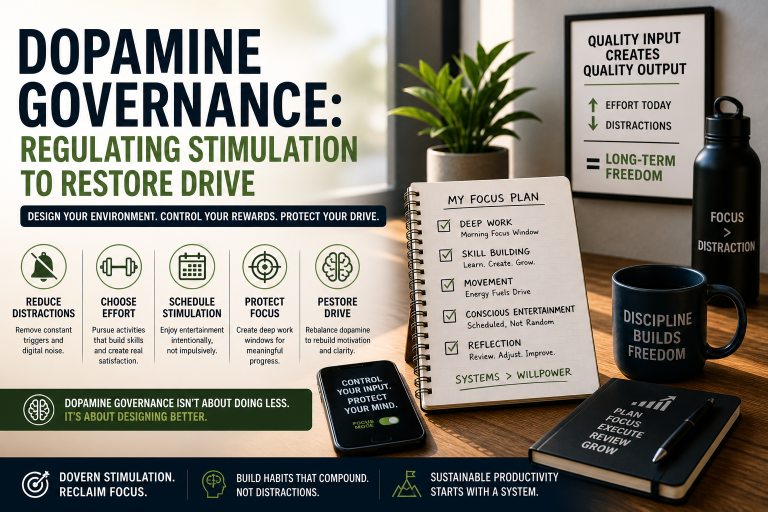
Best Time Tracking Software for ADHD Freelancers
You opened five tabs, jumped between three client projects, and somehow lost two hours without billing a single minute. Sound familiar? If…

You opened five tabs, jumped between three client projects, and somehow lost two hours without billing a single minute.
Sound familiar? If you freelance with ADHD, time doesn’t just fly, it evaporates. You’re not lazy or disorganized. Your brain genuinely struggles to perceive time passing — a real phenomenon researchers call time blindness. It is one of the core reasons why building a personal operating system around your work matters so much for ADHD freelancers. It’s one of the most frustrating parts of ADHD, especially when your income depends on knowing exactly where your hours went.
The good news? The right time tracking software for ADHD can act like an external brain. It catches what you forget, makes time visible, and does the heavy lifting so you can stay in your zone without constantly watching the clock.
We tested and researched the best options out there, filtered specifically for ADHD freelancers who need simple, low-friction, and actually forgiving tools. Here’s what made the cut.
What to Look For in Time Tracking Software for ADHD
Not all time trackers are created equal. Most are built for neurotypical project managers who love spreadsheets. You need something different. Here’s what actually matters for your brain:
One-Click or Automatic Tracking If starting a timer requires more than two steps, you won’t do it. Look for tools with a single-button start, browser extensions, or automatic detection that tracks without you having to remember.
Visual Time Display ADHD brains respond to visuals, not numbers in a list. Color-coded projects, timelines, and dashboards help you see where your time went, which makes it real in a way raw data never does.
Gentle Reminders and Idle Detection You’ll forget the timer is running. Or forget to start it. Software that nudges you back without punishing you, is worth its weight in gold.
Low Setup Friction If onboarding takes an afternoon, you’ll abandon it before you start. The best tools for ADHD get you tracking in under five minutes.
Flexible Forgiveness You need to be able to add time manually, edit past entries, and backfill when you forget. Rigid systems that don’t allow corrections create shame spirals, skip those.
Freelancer-Friendly Features Invoicing integrations, project budgets, and client reporting turn your time data into money. That motivation loop helps ADHD brains stick with the habit.
The 7 Best Time Tracking Tools for ADHD Freelancers
1. Toggl Track
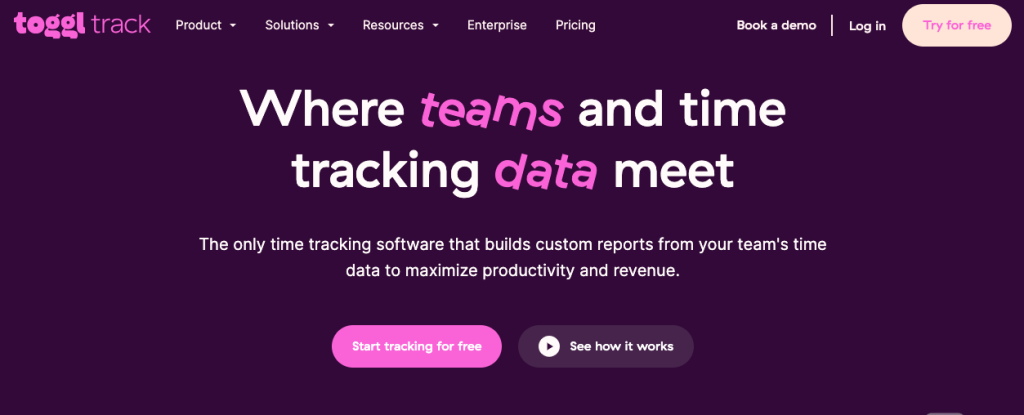
Ideal For: Overall Simplicity + ADHD-Friendliness
Toggl Track is the gold standard for freelancers who hate complicated systems. It’s beloved in the ADHD community for one reason above all else: it’s absolutely easy to use. Press one button. Track time. Done.
The interface is clean, colorful, and clutter-free. You can create projects, assign colors, and see a visual breakdown of your week without digging through menus. The browser extension means you can start tracking directly inside your other tools, no tab-switching required.
What Makes It Great for ADHD:
- One-click timers start from almost anywhere.
- Color-coded project overview makes time visible at a glance.
- Idle detection reminds you if you walked away and left the timer running.
- Browser and desktop extensions reduce context-switching.
- Manual time entry lets you backfill when you forget (no judgment).
- Free plan is genuinely useful, no paywall pressure.
Potential Drawback: The reporting features on the free plan are limited. If you need detailed invoicing or team features, you’ll need to upgrade to Starter ($9/month).
Best For: ADHD freelancers who need the fastest, most frictionless start possible.
Pair Toggl with a solid time blocking system and you have one of the most complete ADHD freelancer productivity setups available
2. RescueTime
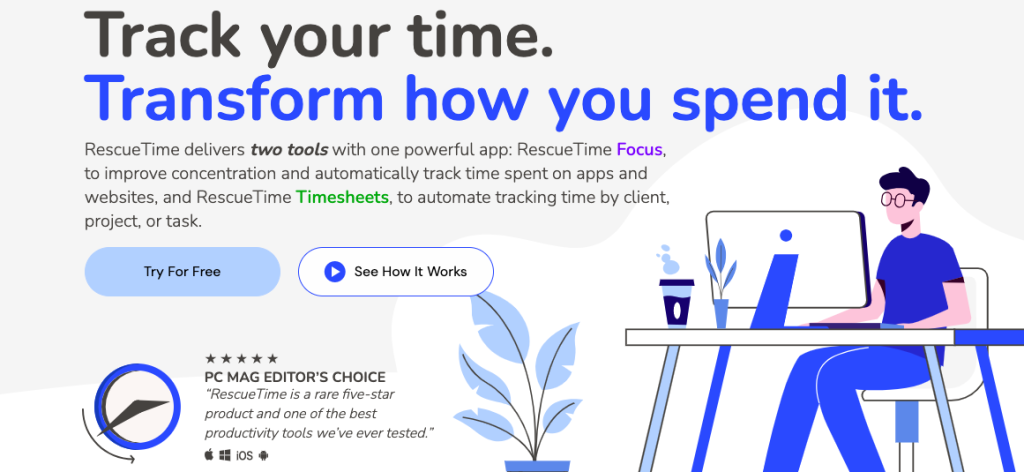
Ideal For: Automatic Tracking (No Memory Required)
RescueTime is the tracker that works even when you completely forget it exists — which, let’s be honest, will happen. It runs silently in the background and automatically logs every app, website, and document you interact with throughout the day.
No buttons. No timers. No remembering. It just watches and reports back.
For ADHD freelancers, this is revolutionary. At the end of the day, you get a full picture of where your time actually went, including that 47-minute Reddit rabbit hole you didn’t plan. RescueTime then categorizes activities as productive or distracting and gives you a daily productivity score.
What Makes It Great for ADHD:
- Fully automatic, zero manual input required.
- Blocks distracting sites during focus sessions (FocusTime feature).
- Daily and weekly reports give you honest, ego-free feedback.
- Alerts you when you’ve spent too long on a distracting site.
- Helps you understand your own patterns, not just log hours.
Potential Drawback: Since it tracks automatically, it doesn’t distinguish between billable client work and personal tasks unless you manually label sessions. It’s better as a self-awareness tool than a pure billing tracker. Best used alongside a lightweight manual tracker like Toggl.
3. Clockify
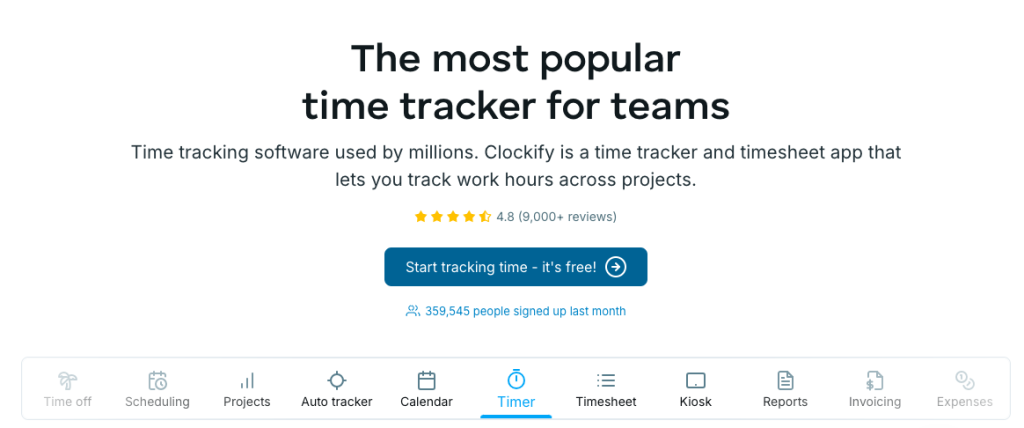
Ideal For: Best Free Plan for Freelancers on a Budget
Clockify offers a genuinely unlimited free plan — unlimited projects, unlimited clients, unlimited team members. For a freelancer just starting out (or one who’s tried and abandoned three other trackers), this removes the financial pressure entirely.
The interface is clean and visual, with a calendar view that shows your week in colored blocks. You can see your hours laid out like a visual schedule, which is deeply satisfying for ADHD brains that think in pictures, not spreadsheets.
What Makes It Great for ADHD:
- 100% free with no feature limits for solo freelancers.
- The calendar view shows your week as colored time blocks.
- Browser extension for one-click tracking.
- Manual entry and editing with no restrictions.
- Kiosk and mobile app available for tracking on the go.
Potential Drawback: The interface, while functional, feels slightly more cluttered than Toggl. Some users find the sheer number of features overwhelming on first login, give yourself a 20-minute onboarding session before dismissing it.
Best For: ADHD freelancers who want a full-featured tracker without spending a dollar.
4. Harvest
Ideal For: Freelancers Who Bill Clients Directly
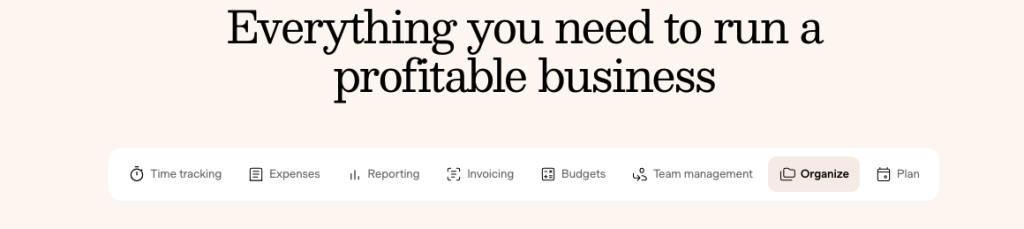
Harvest bridges the gap between time tracking and invoicing in one smooth workflow. You track your hours, and Harvest turns them into professional invoices you can send directly to clients, with PayPal and Stripe integration built in.
For ADHD freelancers who dread the admin side of business, this matters. Fewer apps, fewer handoffs, fewer chances for things to fall through the cracks. The motivation of seeing hours translate directly into invoices can also be a powerful dopamine hook that helps you stay consistent.
What Makes It Great for ADHD:
- Time tracking and invoicing live in the same app, less switching.
- Visual project budget bars show you how close you are to limits.
- Slack and Asana integrations keep tracking connected to your workflow.
- Mobile apps make it easy to track on the go.
- Reminder emails prompt you to submit timesheets.
Potential Drawback: Harvest’s free plan is limited to two projects and one user. The paid plan runs $12/month per seat. If you juggle many small client projects, you’ll hit the free limit quickly.
Best For: ADHD freelancers who want time tracking and client invoicing in one place.
5. Timely
Ideal For: AI-Powered Automatic Tracking + Smart Scheduling
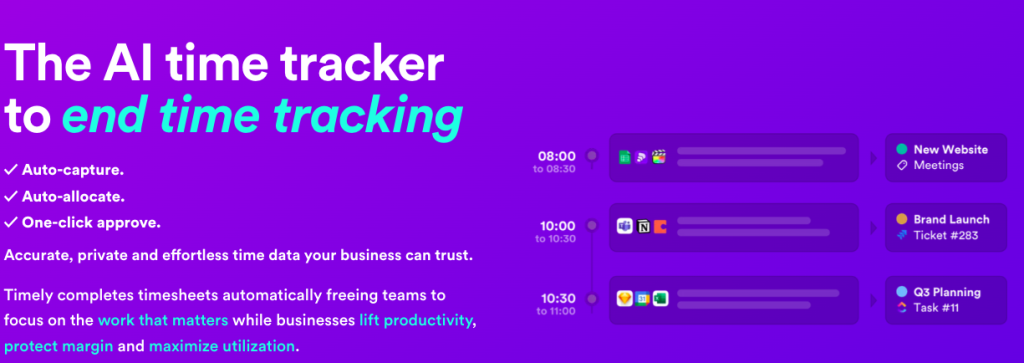
Timely takes automation to the next level. Its Memory Tracker runs in the background and captures everything, documents opened, websites visited, meetings attended, apps used and then uses AI to draft your timesheet for you. You just review and approve it.
This is genuinely exciting for ADHD brains because it removes the two hardest parts of time tracking: remembering to start and remembering what you did. Timely handles both.
What Makes It Great for ADHD:
- AI drafts your timesheet based on actual activity, you just confirm it.
- Memory Tracker captures work across all apps automatically.
- A clean, colorful timeline view makes your day visual and concrete.
- Integrates with Google Calendar, Outlook, Asana, and more.
- No data goes to a third party, privacy-respecting tracking.
Potential Drawback: Timely is premium-priced starting at $11/month (Starter plan), and the full AI features kick in at higher tiers — but for freelancers who lose significant billable hours to forgetfulness, it can pay for itself fast.
6. Forest
Ideal For: Gamified Focus Sessions + Reducing Phone Distraction
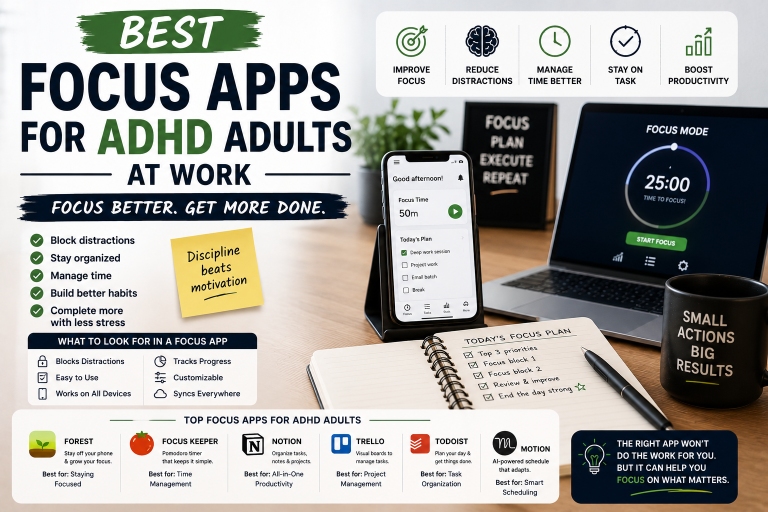
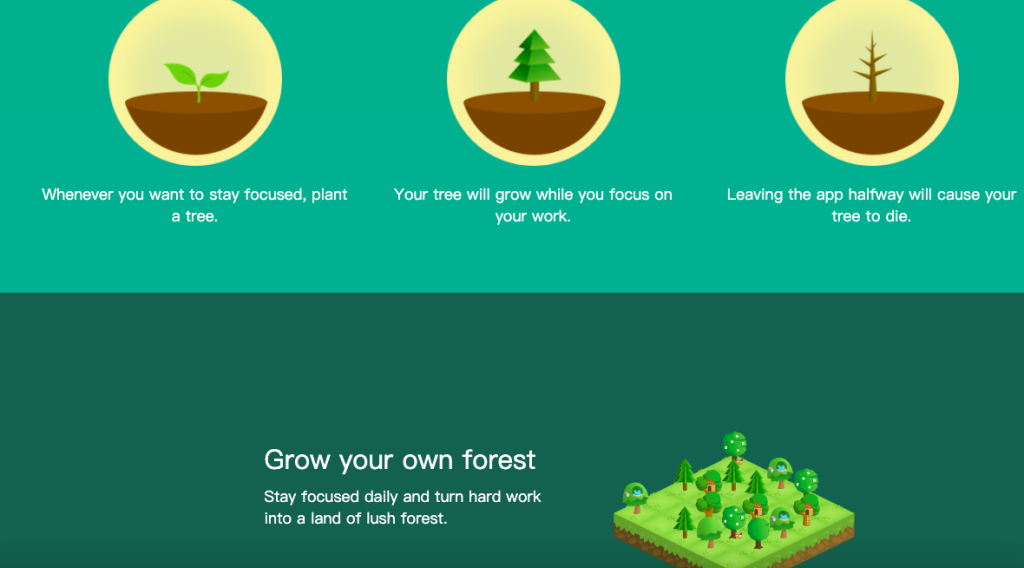
Forest isn’t a traditional time tracker, it’s a focus app with a built-in gamification loop that ADHD brains tend to love. You plant a virtual tree when you start a focus session. If you leave the app to scroll social media, your tree dies. Stay focused and your forest grows.
It tracks your focused time visually, shows you a growing forest of completed sessions, and even lets you earn virtual coins to plant real trees through a charity partnership. For ADHD freelancers who struggle with phone distraction, this reframes focus as something rewarding rather than punishing. Understanding how dopamine drives your motivation helps explain exactly why this gamification approach works so well for ADHD brains
What Makes It Great for ADHD:
- Gamification makes focus feel like a game, not a chore.
- Visual forest grows with every completed session, instant reward.
- Blocks distracting apps on your phone during focus time.
- Tags let you categorize what you worked on.
- Real-world impact (actual trees planted) adds deeper motivation.
Potential Drawback: Forest doesn’t integrate with invoicing or client reporting. It’s a focus and awareness tool, not a billing tracker. Use it alongside something like Toggl or Harvest for a complete system.
Best For: ADHD freelancers who need to conquer phone distraction and want a dopamine-friendly focus habit.
7. Motion
Ideal For: AI Scheduling + Time Blocking Built In
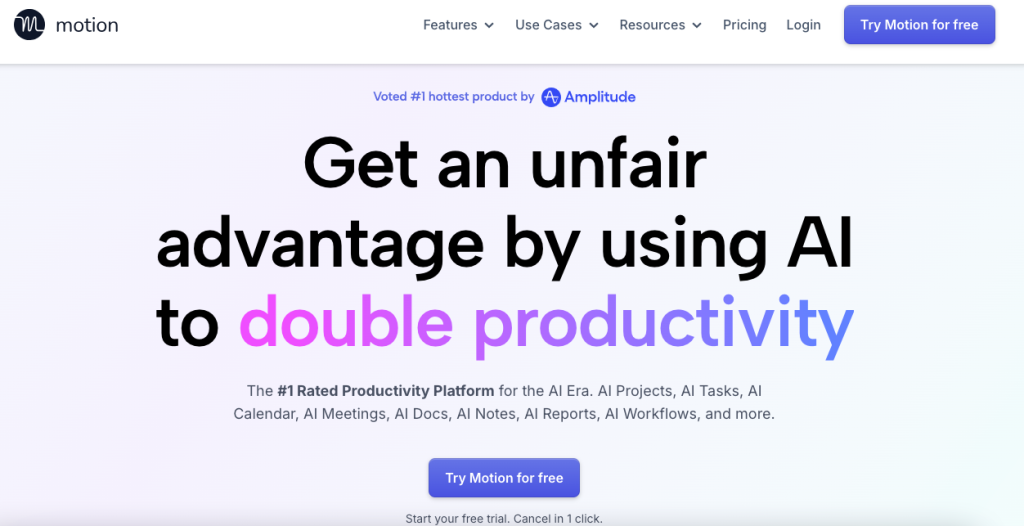
Motion is part time tracker, part AI scheduler, part project manager. It automatically builds your daily schedule based on your tasks, deadlines, and available work hours, then adjusts in real time when things shift. For ADHD freelancers who can’t figure out when to do things, not just what to do, Motion is a revelation.
It tracks time as part of a broader productivity system, which means less app-hopping for your workflow overall.
What Makes It Great for ADHD:
- AI automatically schedules your tasks into time blocks each day
- Rebuilds your schedule automatically when priorities shift
- Reduces the decision fatigue of planning your own day
- Project and deadline tracking built in
- Combines task management, calendar, and time tracking in one place
Potential Drawback: Motion has a steep learning curve and starts at $19/month, the most expensive on this list. It’s a commitment. But for ADHD freelancers who struggle with planning as much as doing, it may replace several other apps entirely.
Best For: ADHD freelancers who want an AI to plan their entire workday, not just track it.
Take Action
If your biggest struggle is figuring out when to do things — not just what to do — Motion can help remove the planning overwhelm entirely.
Add your tasks, deadlines, and work hours, then let the AI build your schedule automatically so you can spend less time planning and more time executing.
Quick Comparison Table
| Tool | Best For | Free Plan | Starting Price | Auto-Tracking | Invoicing |
| Toggl Track | Overall simplicity | ✅ Yes | $9/mo | ❌ Manual | ❌ No |
| RescueTime | Automatic tracking | ✅ Limited | $12/mo | ✅ Yes | ❌ No |
| Clockify | Budget freelancers | ✅ Unlimited | Free | ❌ Manual | ✅ Basic |
| Harvest | Client invoicing | ✅ 2 projects | $12/mo | ❌ Manual | ✅ Yes |
| Timely | AI timesheet drafting | ❌ No | $11/mo | ✅ Yes | ❌ No |
| Forest | Phone distraction | ✅ Yes | $1.99 one-time | ❌ Focus only | ❌ No |
| Motion | AI daily scheduling | ❌ No | $19/mo | ✅ Partial | ❌ No |
How to Stick With It: 5 Tips for ADHD Freelancers
1. Start with one tracker and give it 14 days. Novelty wears off fast with ADHD. Commit to a single tool for two full weeks before deciding it’s not working. Most consistency issues are habit-based, not software-based.
2. Tie tracking to something you already do. Pair starting your timer with opening your first client email or making your morning coffee. Habit-stacking builds the trigger before your brain has time to forget. For more on building habits that stick without relying on motivation check out our guide on building a discipline system that works.
3. Set a daily “time audit” reminder at 5pm. Spend five minutes reviewing your tracked hours every evening. This closes the loop, catches missed entries, and builds self-awareness over time, without becoming a chore.
4. Use visual reports as positive reinforcement, not punishment. Look at your weekly report and celebrate the hours you did track, not just the ones you missed. Positive feedback loops are powerful for ADHD brains.
5. Lower the bar until the habit sticks. Your goal for week one isn’t perfect tracking. It starts at least once per day. Build from there. Perfectionism kills more ADHD habits than laziness ever did.
FAQ — Time Tracking Software for ADHD
Q: What is the best time tracking software for ADHD freelancers overall? A: Toggl Track is the top pick for most ADHD freelancers because of its one-click simplicity, visual design, and forgiving manual entry. If you want zero effort tracking, RescueTime or Timely are better fits for fully automatic options.
Q: Can time tracking software actually help with ADHD time blindness? A: Yes — and this is one of the most practical ADHD tools available. According to ADDitude Magazine — one of the leading ADHD resources online — time blindness is among the most commonly reported and most practically addressable ADHD challenges for working adults. Software like RescueTime and Timely makes time visible in a concrete way
Q: Is free time tracking software good enough for freelancers with ADHD? A: Absolutely. Clockify’s free plan and Toggl Track’s free tier are both excellent starting points. The most important thing is picking one and using it consistently — not paying for the most feature-rich option.
Q: How do I remember to start my time tracker with ADHD? A: Use browser extensions (Toggl and Clockify both have them) so the timer is always visible in your browser. Set a recurring alarm for your typical work start time. Or switch to automatic tracking with RescueTime so memory is removed from the equation entirely.
Q: What if I forget to track time for hours or even a whole day? A: All the tools on this list allow manual time entry and editing. Don’t shame-spiral — just backfill as best you can and move on. Imperfect tracking data is still infinitely better than no data. Progress, not perfection.
Personal Note
If you struggle with ADHD, productivity, and tracking time like I do, here’s my personal recommendation:
If your main goal is billing clients and tracking work hours accurately, use one of the dedicated project time trackers on this list like Toggl, Harvest, or Clockify. They make it much easier to see where your work hours are going and help prevent billable time from slipping away unnoticed.
But if you also struggle with focus, procrastination, distraction, or actually staying engaged while working, I highly recommend combining a project tracker with a simple focus timer like the Pomodoro Technique.
This has personally helped me a lot.
Using a timer creates a sense of urgency that ADHD brains often need in order to lock in and fully engage with a task. Instead of telling yourself “I need to work for hours,” you only need to focus until the timer ends. That feels much more manageable mentally and removes a lot of the resistance that comes with getting started.
For me, the combination works best:
- A project tracker helps me stay aware of where my time is going
- A Pomodoro timer helps me stay focused long enough to actually make progress
Even a simple 25-minute focus session can completely change the momentum of your day.
And honestly, one of the biggest things I’ve learned is this:
You do not need a perfect productivity system.
You need a system that is easy enough to actually use consistently.
Start simple. Experiment. Adjust over time.
The goal is not becoming a productivity robot.
The goal is building systems that help you work with your brain instead of constantly fighting against it.
Final Thoughts
If you’ve tried and abandoned time trackers before, it wasn’t a willpower failure. It was a mismatch between the tool and your brain. The best time tracking software for ADHD doesn’t demand perfect memory or rigid routines. It meets you where you are forgetful, creative, easily distracted, and genuinely trying.
Our top picks:
- Start here → Toggl Track — easiest on-ramp, genuinely ADHD-friendly
- Hate pressing buttons → RescueTime — runs itself, no memory required
- Need to bill clients → Harvest — tracking and invoicing in one place
- Want AI to plan your day → Motion — the most powerful system on the list
Pick one. Use it for 14 days. Adjust from there.
At VidaLit, we believe productivity isn’t about squeezing more out of yourself; it’s about building systems that actually work with your brain, not against it. Time tracking is one of the highest-leverage habits a freelancer with ADHD can build — and it works even better when it sits inside a complete life operating system designed around how your brain actually works. It brings structure without rigidity, visibility without overwhelm, and income clarity without the mental math.
This is just the beginning. Head back to VidaLit for more tools, strategies, and honest guides built specifically for ADHD entrepreneurs and freelancers who are done settling for advice that was never written for them.