Best Scheduling Tools for ADHD Entrepreneurs: 7 Game-Changing Solutions
Introduction Running a business with ADHD feels like trying to juggle flaming torches while riding a unicycle. Your brilliant ideas come at…
Introduction
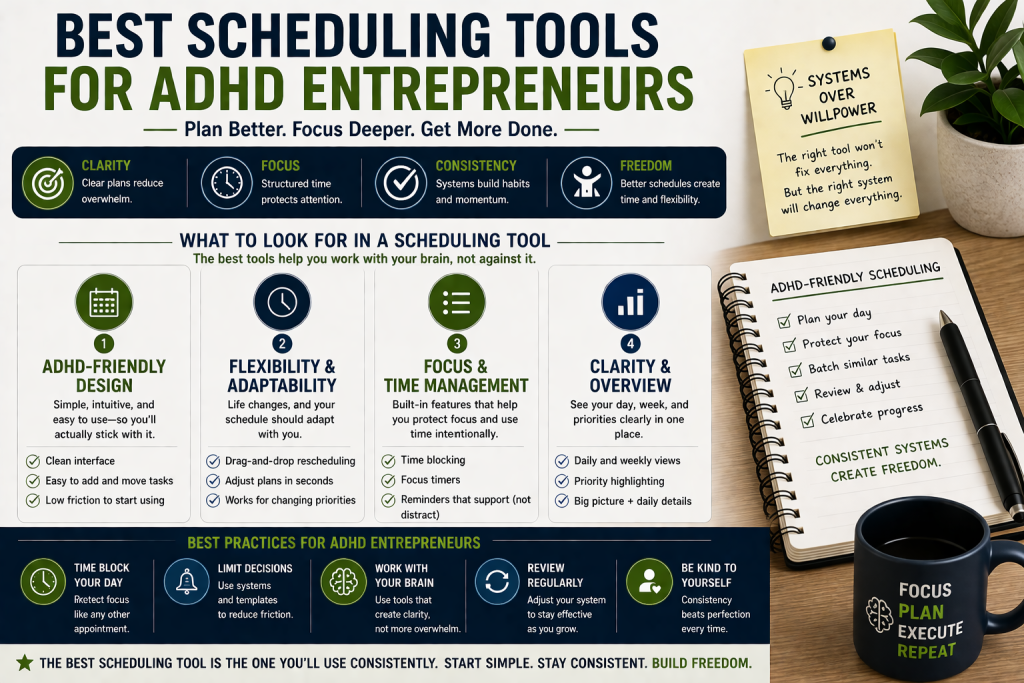
Running a business with ADHD feels like trying to juggle flaming torches while riding a unicycle. Your brilliant ideas come at lightning speed, but keeping track of appointments, deadlines, and daily tasks? That’s where things get messy.
Traditional scheduling tools weren’t built for brains like ours. They assume you willl remember to check them, follow linear processes, and never get distracted by that shiny new project idea that just popped into your head.
The right scheduling tools for ADHD entrepreneurs work differently. They’re visual, flexible, and forgiving when life doesn’t go according to plan. They send the right reminders at the right time and make it easy to dump everything out of your brain without losing track.
You don’t need another complicated system that makes you feel worse about yourself. You need tools that understand how your ADHD brain actually works and help you channel that entrepreneurial energy into real results.
What to Look For in Scheduling Tools for ADHD Entrepreneurs
Visual Organization That Makes Sense
Your ADHD brain processes visual information faster than text walls. Look for tools with color coding, drag-and-drop functionality, and clear visual hierarchies that let you see everything at a glance. Color-coded calendars aren’t just pretty, they let you categorize tasks by type, urgency, or energy level so your brain can instantly sort out what’s happening without reading a single word. Drag-and-drop scheduling means you can reorganize your day in seconds when priorities shift, which they will.
Flexible Structure Without Rigid Rules
The best scheduling tools for ADHD entrepreneurs adapt to your changing priorities. Avoid systems that punish you for switching gears or reorganizing your approach mid-week. Rigid all-or-nothing systems are the enemy of the ADHD brain, if missing one step collapses the whole plan, you’ll abandon the tool entirely after the first bad day. What you want is a system that gives you just enough structure to stay oriented, but bends easily when hyperfocus pulls you in a new direction or an unexpected opportunity demands your attention.
Smart Reminders and Notifications
You need reminders that actually work, not so many that you ignore them, not so few that you forget entirely. Look for customizable notification settings that match your attention patterns. The ideal tool lets you set layered reminders: a heads-up 30 minutes out, a nudge 10 minutes before, and a final ping at go-time. Some tools even let you choose how you’re reminded, push notification, email, SMS, or sound which matters because ADHD brains don’t respond the same way to every alert type.
Quick Capture and Brain Dump Features
When inspiration strikes or you remember something important, you need to capture it immediately, not after navigating three menus. The tool should make it effortless to get thoughts out of your head and into your system in seconds. The best tools offer a dedicated inbox or scratch pad where ideas land without needing to be categorized right away. Voice-to-text input is a major bonus, since stopping to type mid-thought can break the momentum entirely. The key is lowering the barrier to capture as close to zero as possible, because an idea that takes more than five seconds to record is an idea that gets lost.
Integration with Your Existing Workflow
The best tool is the one you’ll actually use. It should connect with the apps you already rely on and slot into your current routine rather than requiring a complete overhaul. If your scheduling tool doesn’t talk to your email, your project management app, or your communication platforms, you’re creating extra steps, and extra steps are where ADHD productivity goes to die. Look for native integrations with tools like Google Calendar, Slack, Notion, Zapier, or whatever sits at the center of your work.
Mobile Accessibility for On-the-Go Management
ADHD entrepreneurs rarely stay chained to their desks, and your brain doesn’t wait until you’re back at your computer to have ideas or remember deadlines. Your scheduling tool needs to work perfectly on mobile so you can manage your business from anywhere. This means more than just a stripped-down app, it means full functionality, fast load times, and a mobile interface that’s actually designed for thumbs, not just shrunk down from the desktop. The ability to check your schedule, reschedule tasks, capture ideas, and respond to shifting priorities all from your phone is essential.
Time-Blocking and Focus Session Support
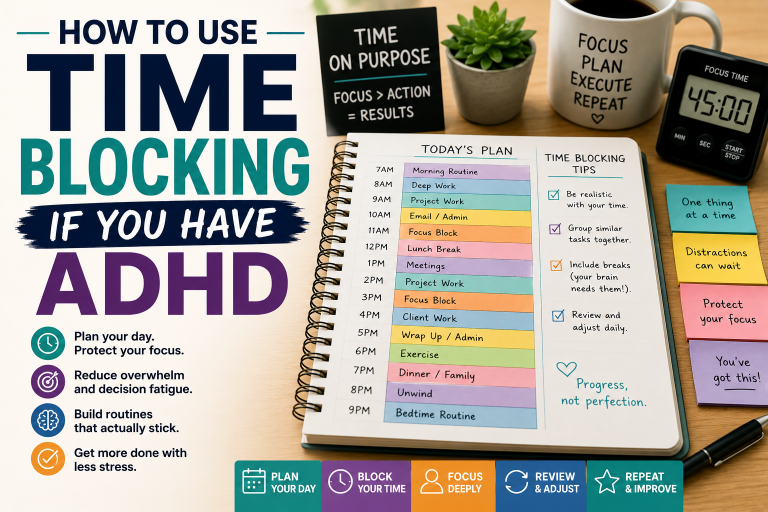
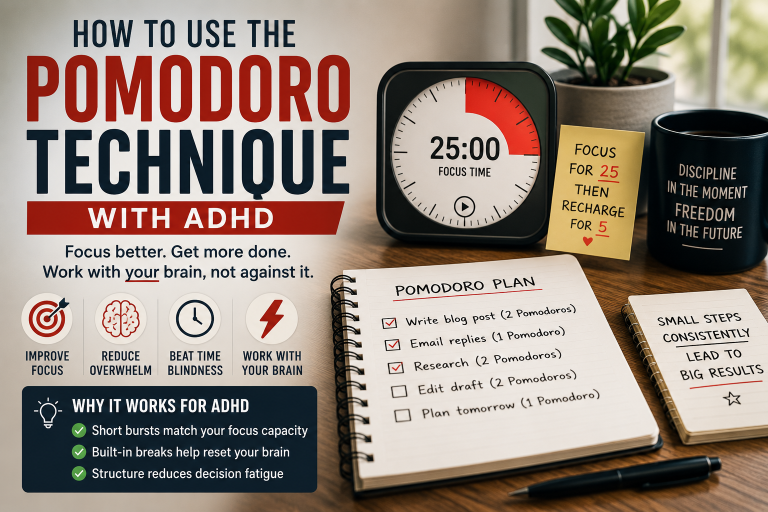
Protecting your deep work time is crucial when you have ADHD, because without intentional boundaries, reactive tasks and distractions will colonize your entire day. Look for tools that help you block out focused work sessions and minimize context switching. Time-blocking works especially well for ADHD brains because it turns vague intentions into committed appointments with yourself. The best tools let you schedule focus blocks directly on your calendar, set “do not disturb” windows, and pair with techniques like Pomodoro or time-boxing to give your brain a defined sprint with a defined end. Some tools integrate with focus apps like Focusmate or Freedom to add an extra layer of accountability.
7 Best Scheduling Tools for ADHD Entrepreneurs
1. Notion
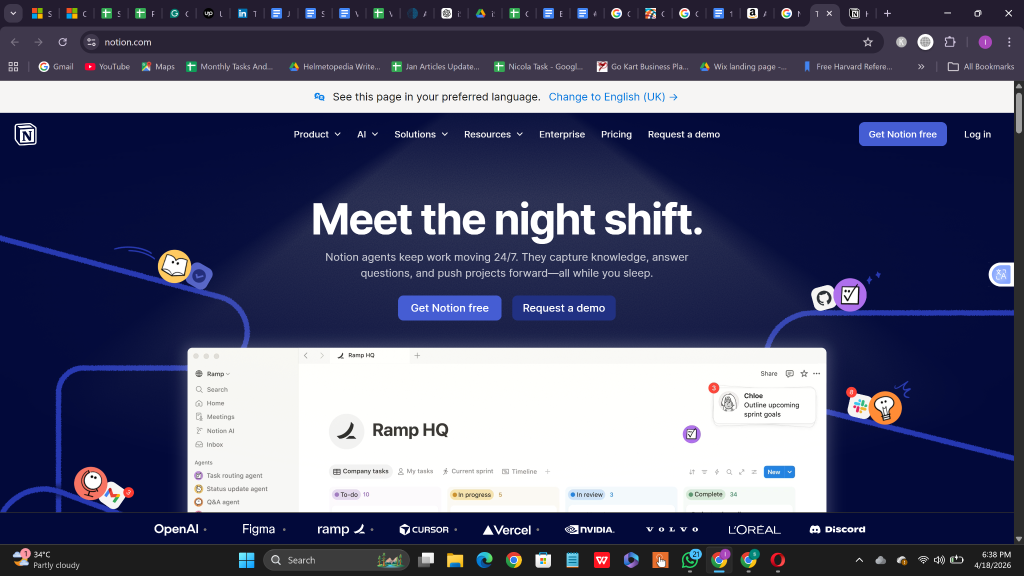
Best For: Visual thinkers who want everything in one place
Notion combines scheduling, note-taking, project management, and knowledge storage in a highly visual workspace. You can create custom dashboards that show your calendar, tasks, and project status all at once.
What Makes It Great for ADHD:
• Completely customizable interface lets you organize information exactly how your brain works best
• Templates for different business needs so you don’t start from scratch.
• Drag-and-drop functionality makes reorganizing tasks satisfying and easy.
• Rich media support lets you add images, videos, and files directly to your schedule.
• Database relationships help you connect related projects and tasks automatically.
Potential Drawback: The learning curve can be steep initially, and the flexibility might feel overwhelming if you prefer simpler tools.
2. Todoist
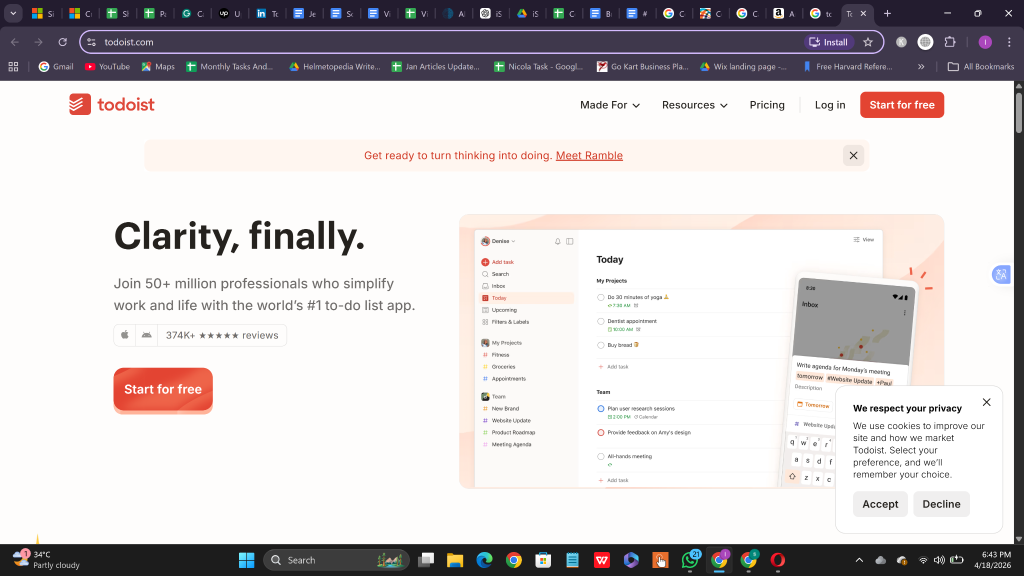
Best For: Entrepreneurs who think in natural language
Todoist’s natural language processing lets you type “Meeting with Sarah tomorrow at 3pm” and automatically creates a scheduled task. This matches perfectly with how ADHD brains often think in streams of consciousness.
What Makes It Great for ADHD:
• Natural language input eliminates the friction of complex task creation.
• Smart scheduling suggestions help you distribute workload evenly.
• Karma system gamifies productivity without being overwhelming.
• Project templates for recurring business processes.
• Powerful filtering system helps you see exactly what needs attention now.
• Offline functionality ensures you never lose access to your schedule.
Potential Drawback: Advanced features require premium subscription, and the interface can feel text-heavy compared to more visual alternatives.
Best For: Entrepreneurs who prefer typing quick thoughts rather than navigating complex menus.
3. ClickUp
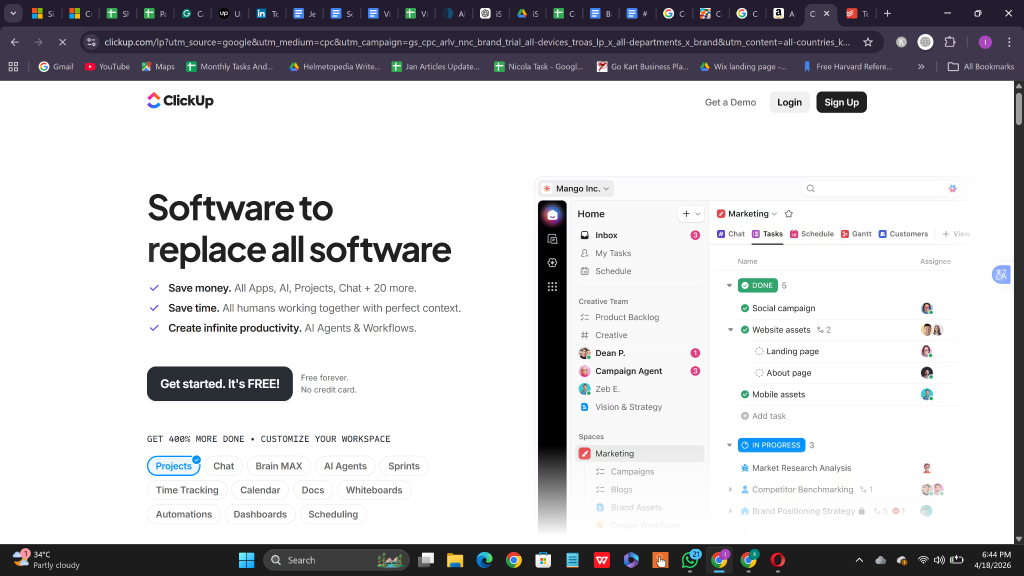
Best For: Growing businesses that need scheduling plus project management
ClickUp provides multiple views of your schedule, calendar, kanban boards, Gantt charts, and lists. It helps you switch between perspectives when your ADHD brain needs a different angle.
What Makes It Great for ADHD:
• Multiple view options prevent monotony and match different thinking styles.
• Custom fields let you track ADHD-specific metrics like energy levels or focus times.
• Time tracking built-in helps you understand your actual work patterns.
• Goal setting features connect daily tasks to bigger business objectives.
• Automation reduces repetitive tasks that drain ADHD attention.
• Collaborative features help when you need accountability partners.
Potential Drawback: Feature-rich interfaces can feel cluttered, and notification management requires careful setup to avoid overwhelm.
4. Calendly
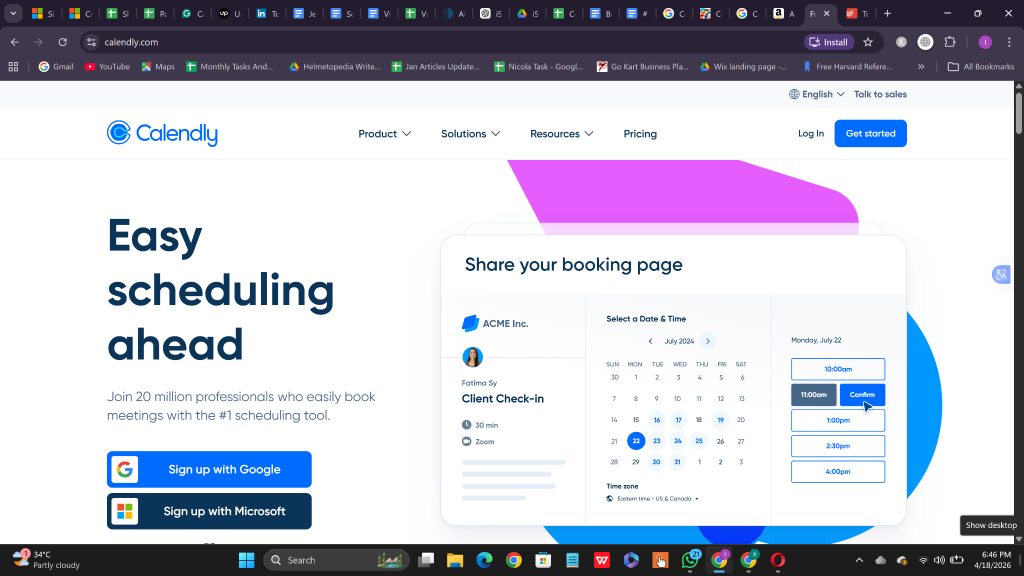
Best For: Service-based entrepreneurs who hate phone tag
Calendly eliminates the back-and-forth of scheduling client meetings. Your availability syncs with your existing calendar, and clients book directly into open slots.
What Makes It Great for ADHD:
• Removes decision fatigue from scheduling conversations.
• Automatic buffer time between meetings prevents back-to-back burnout.
• Custom questionnaires help you prepare for meetings in advance.
• Round-robin scheduling for team members reduces your administrative load.
• Integration with video conferencing tools creates seamless meeting experiences.
• Analytics show your meeting patterns and busiest times.
Potential Drawback: Limited functionality beyond appointment scheduling, so you’ll need additional tools for comprehensive business management.
Best For: Consultants, coaches, and service providers who spend significant time in client meetings.
5. Asana
Best For: Visual project managers who need timeline clarity
Asana’s timeline view shows how all your projects and deadlines connect, helping you spot potential conflicts before they become crises. The visual project boards satisfy the ADHD need to see progress clearly.
What Makes It Great for ADHD:
• Timeline view prevents overcommitment by showing schedule conflicts visually.
• Progress tracking provides dopamine hits as tasks move toward completion.
• Custom fields for priority levels, energy requirements, and focus needs.
• Proofing features reduce back-and-forth on creative projects.
• Goals feature connects daily work to quarterly business objectives.
• Portfolio view gives helicopter perspective on all projects simultaneously.
Potential Drawback: Can become complex with larger teams, and the free version has limited customization options.
Best For: Creative entrepreneurs and agencies managing multiple client projects simultaneously.
6. Monday.com
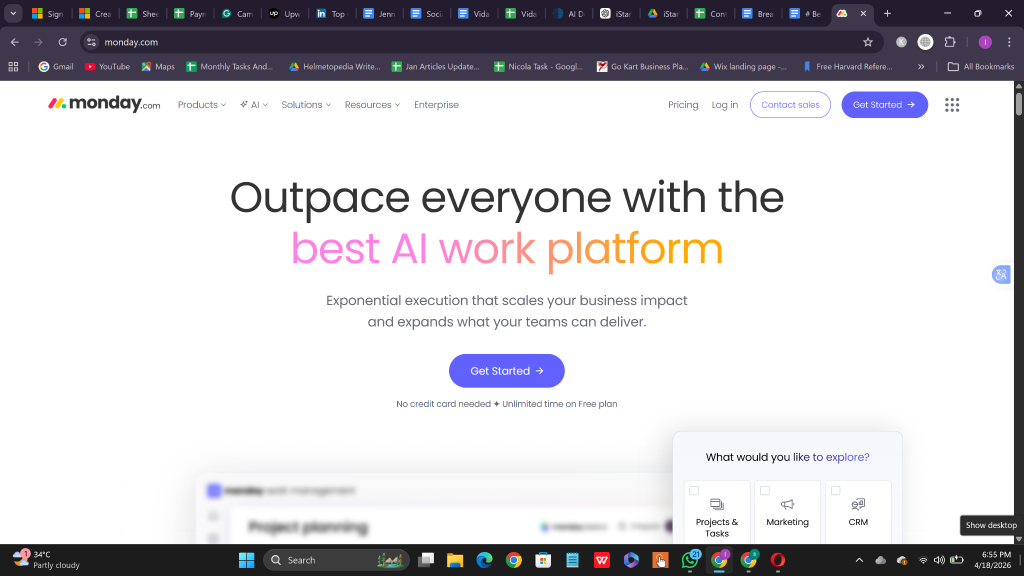
Best For: Visual learners who love colorful, intuitive interfaces
Monday.com‘s board-based approach feels like a digital bulletin board where you can see everything at once. The color-coding and visual status indicators make it easy to process information quickly.
What Makes It Great for ADHD:
• Highly visual interface reduces cognitive load.
• Customizable workflows adapt to your unique business processes.
• Automation recipes handle routine scheduling tasks.
• Time tracking helps identify your peak productivity periods.
• Mobile app maintains full functionality for on-the-go management.
• The integration hub connects with most business tools you already use.
Potential Drawback: Pricing can get expensive for solo entrepreneurs, and some advanced features require technical setup.
Best For: Entrepreneurs who learn and think visually and need flexibility in their workflow design.
7. Reclaim.ai
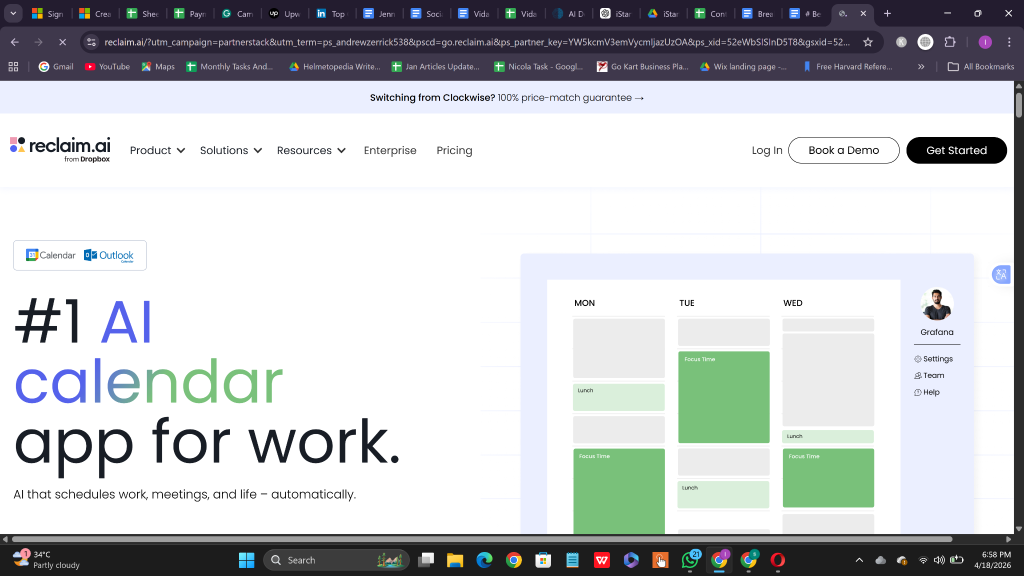
Best For: Entrepreneurs who struggle with time blocking and focus protection
Reclaim.ai automatically schedules your routine tasks, protects time for deep work, and adjusts your schedule when priorities shift. It’s like having an AI assistant that understands ADHD scheduling challenges.
What Makes It Great for ADHD:
• Automatic time blocking removes the mental overhead of manual scheduling.
• Habit scheduling ensures important routines don’t get forgotten.
• Focus time protection blocks out uninterrupted work sessions.
• Smart meeting scheduling finds optimal times that work for everyone.
• Buffer time automatically added between tasks prevents feeling rushed.
• Slack integration keeps your team informed about your availability.
Potential Drawback: Requires Google Calendar or Outlook integration, and the AI suggestions need time to learn your preferences.
Best For: Busy entrepreneurs who want intelligent automation to handle the mechanics of scheduling.
Quick Comparison Table
| Tool | Best For | Key ADHD Feature | Price Range | Mobile App |
|---|---|---|---|---|
| Notion | Visual customization | Flexible workspace design | Free – $20/month | Excellent |
| Todoist | Natural language input | Quick task capture | Free – $5/month | Excellent |
| ClickUp | Growing businesses | Multiple view options | Free – $19/month | Very Good |
| Calendly | Client scheduling | Eliminates back-and-forth | $8 – $15/month | Good |
| Asana | Project timelines | Visual progress tracking | Free – $24/month | Excellent |
| Monday.com | Visual workflows | Color-coded organization | $8 – $20/month | Very Good |
| Reclaim.ai | Automatic scheduling | AI-powered time blocking | $8 – $18/month | Good |
How to Stick With It: 5 Tips for ADHD Success
1. Start with ONE tool and resist the urge to tool-hop
Your ADHD brain will want to try every shiny new scheduling app. Pick one tool from this list, commit to using it for at least 30 days, and ignore other options during that trial period.
2. Set up your system during a hyperfocus session
Use one of your naturally focused periods to properly configure your chosen tool. Set up templates, automation, and notifications while you have the mental energy to make thoughtful decisions.
3. Schedule weekly “system maintenance” time
Block 30 minutes every week to review what’s working, adjust settings, and clear out completed tasks. This prevents your system from becoming cluttered and overwhelming.
4. Connect scheduling to your existing habits
Attach checking your schedule to something you already do consistently. Review tomorrow’s agenda while having your morning coffee, or do a weekly planning session during your Sunday meal prep.
5. Celebrate small wins and progress
Acknowledge when you successfully stick to scheduled tasks or catch potential conflicts early. Your ADHD brain responds well to positive reinforcement, so don’t skip this step.
Frequently Asked Questions
What’s the biggest mistake ADHD entrepreneurs make with scheduling tools?
Trying to use systems designed for neurotypical brains. Traditional scheduling advice assumes you’ll naturally follow linear processes and remember to check your calendar. ADHD entrepreneurs need tools with stronger visual cues, flexible structures, and smart automation.
How many scheduling tools should I use at once?
Stick to one primary scheduling tool to avoid decision fatigue and data scattered across platforms. You can supplement with specialized tools (like Calendly for client booking), but your main schedule should live in one place.
Should I pay for premium features right away?
Start with free versions first to ensure the tool matches your workflow. Once you’re consistently using the basic features for 2-3 weeks, upgrade to access advanced automation and customization that reduces daily friction.
How do I handle the urge to completely reorganize my system every few weeks?
This is normal for ADHD brains! Instead of scrapping everything, schedule monthly “system optimization” sessions where you can make controlled improvements. Set a timer for these sessions to prevent them from taking over your whole day.
What if I forget to check my scheduling tool?
Build checking into existing routines rather than trying to create new habits from scratch. Set strategic notifications, but not so many that you start ignoring them. Consider tools with AI automation that work even when you forget to actively manage them.
Final Thoughts
The best scheduling tools for ADHD entrepreneurs work with your brain’s natural patterns, not against them. Whether you need the visual flexibility of Notion, the natural language input of Todoist, or the AI automation of Reclaim.ai, there’s a solution that matches your thinking style.
Start with the tool that excites you most, that excitement will carry you through the initial setup period. Remember, the perfect system is the one you actually use consistently, not the most feature-rich option available.
For most ADHD entrepreneurs, I recommend starting with Todoist for its ease of use and natural language input, Notion if you love customization, or Reclaim.ai if you want intelligent automation to handle the details.
And if you’re looking for more resources, strategies, and tools built specifically for entrepreneurs like you, head over to VidaLit.com, your go-to destination for content that actually speaks to the way your brain works.
Ready to transform your chaotic schedule into organized success? Pick one tool from this list, commit to using it for 30 days, and watch your productivity soar. Your future self will thank you for taking this step today.